Every church’s data is walled off from every other church’s.
Supabase Row Level Security keeps each church’s records separate.
14-day free trial on every plan. Save 15% with annual billing. See full pricing
One app for your whole security team: scheduling, messaging, incidents, resources, and a watchlist built for churches.
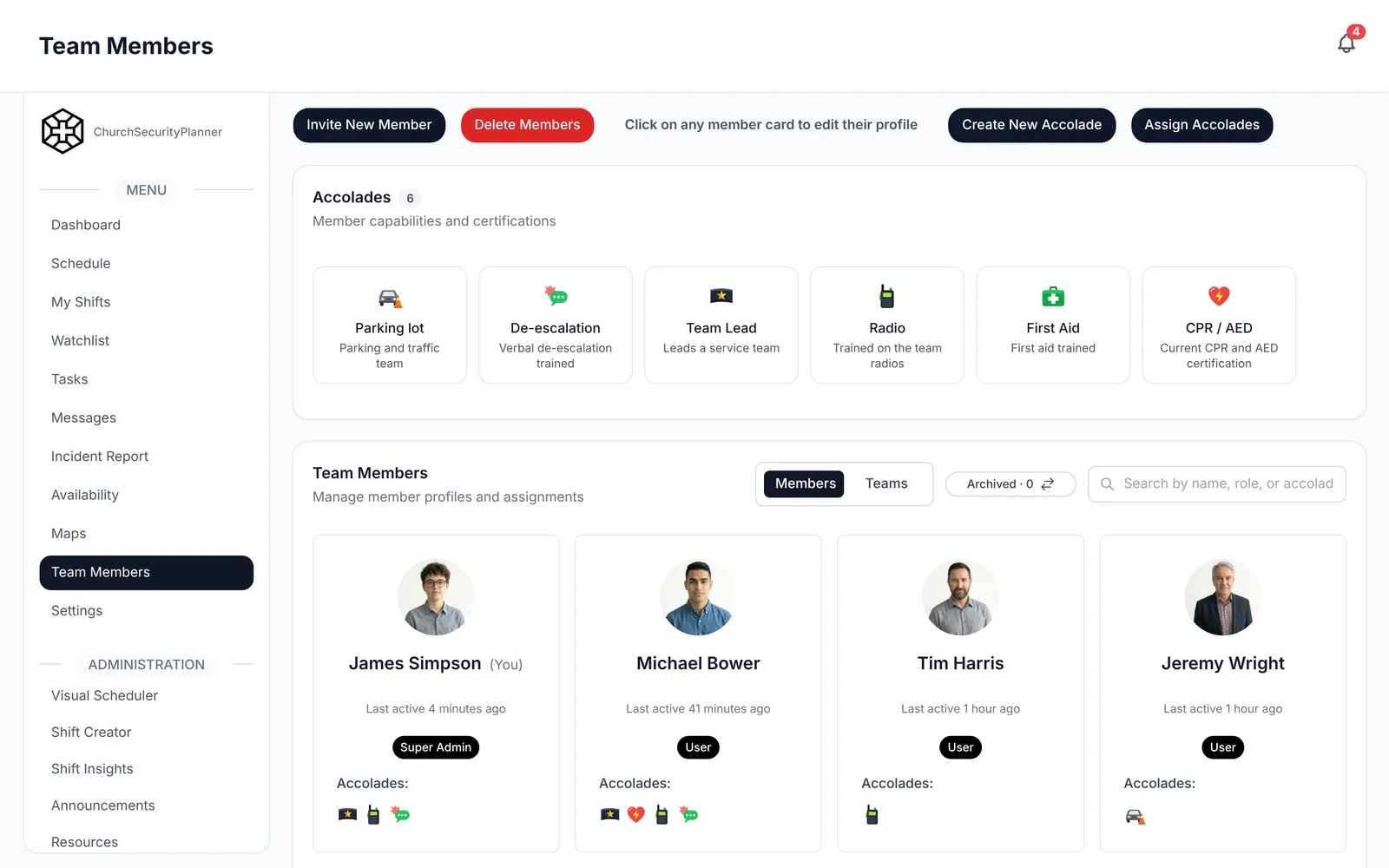
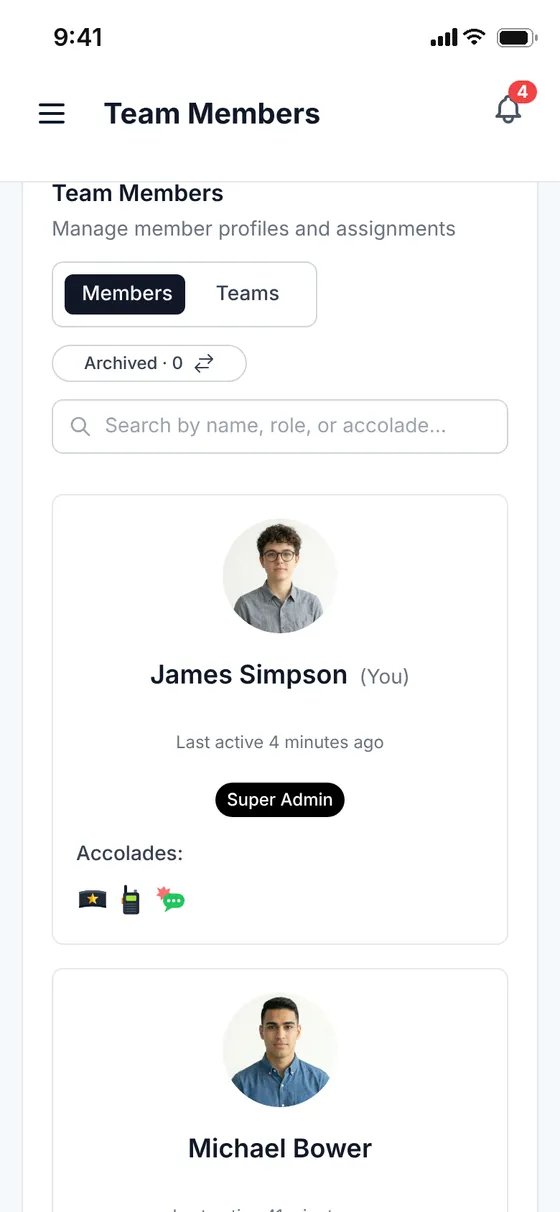
Team
Invite volunteers, assign zone roles and track certifications from one place. No spreadsheets, no paper sign-ups.
 Also on the web
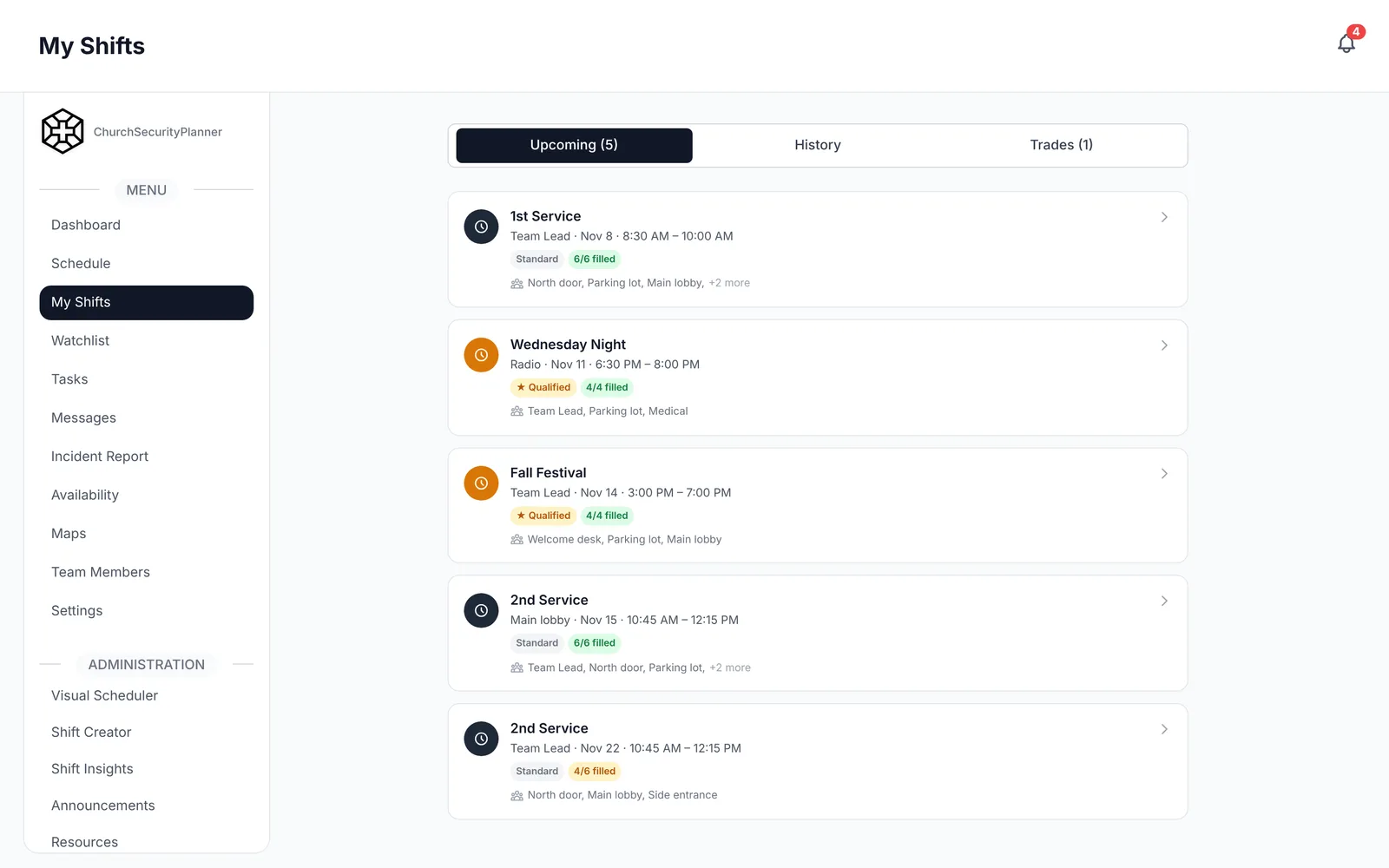
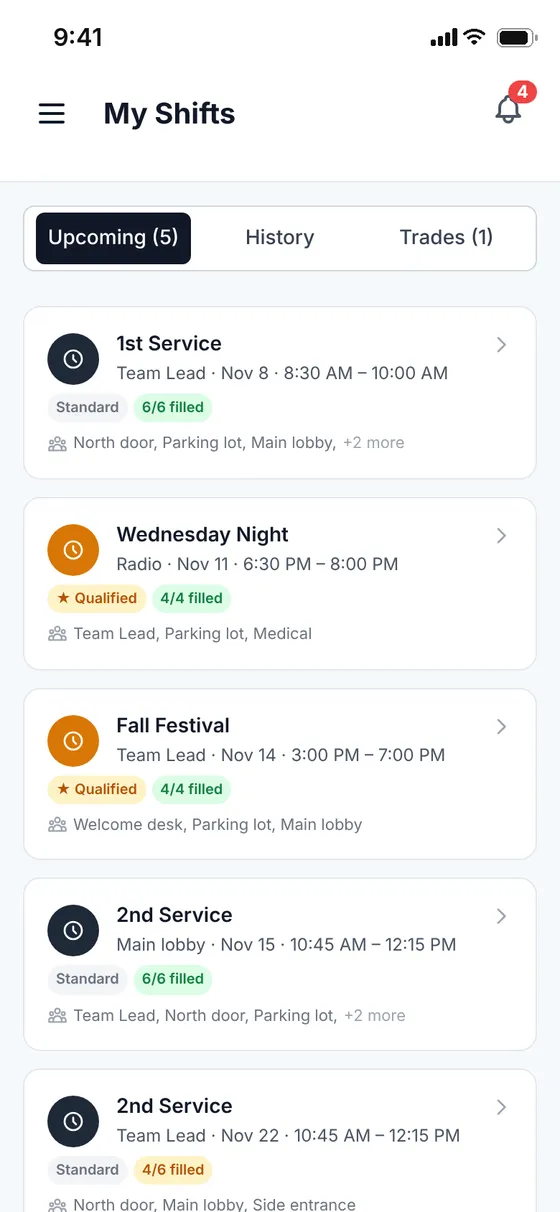
Schedule
Volunteers set their availability, you build the schedule, and conflict detection catches double-bookings before Sunday morning does.
 Also on the web
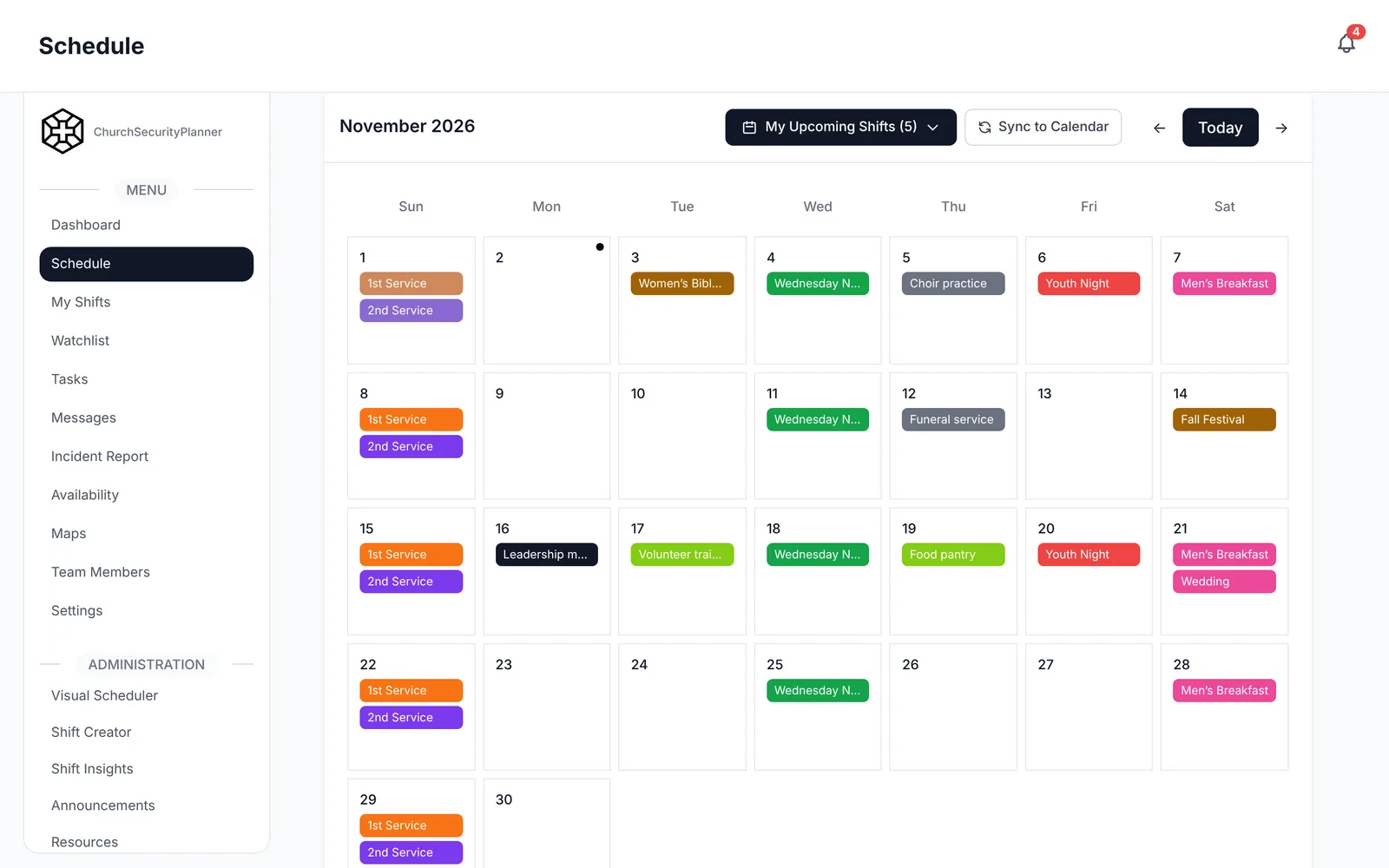
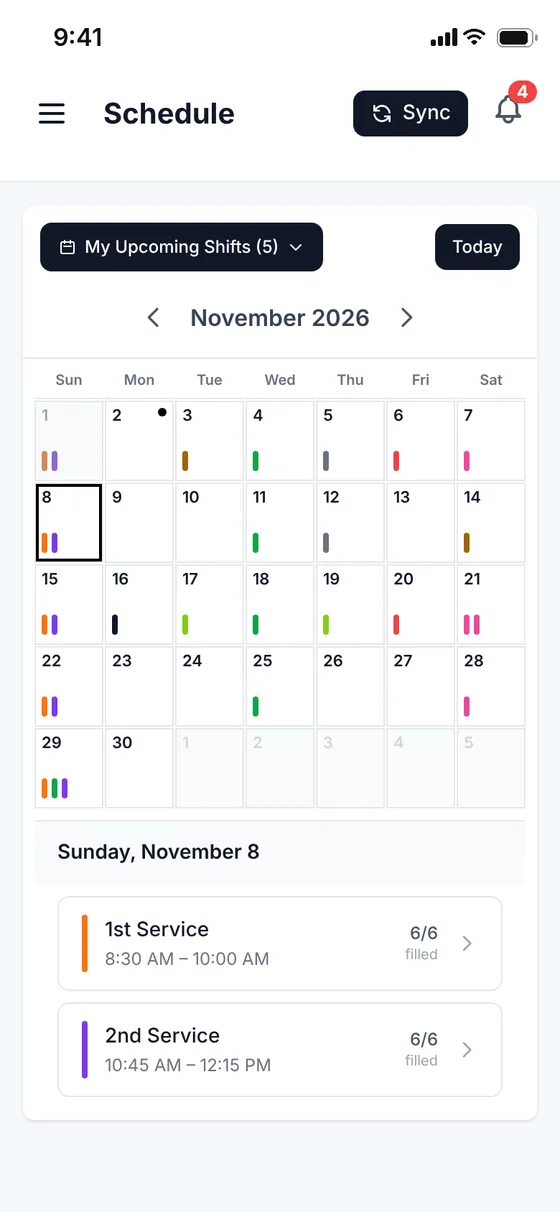
Calendar
A visual calendar shows all events, shifts and assignments, and team presets fill a whole group at once.
 Also on the web
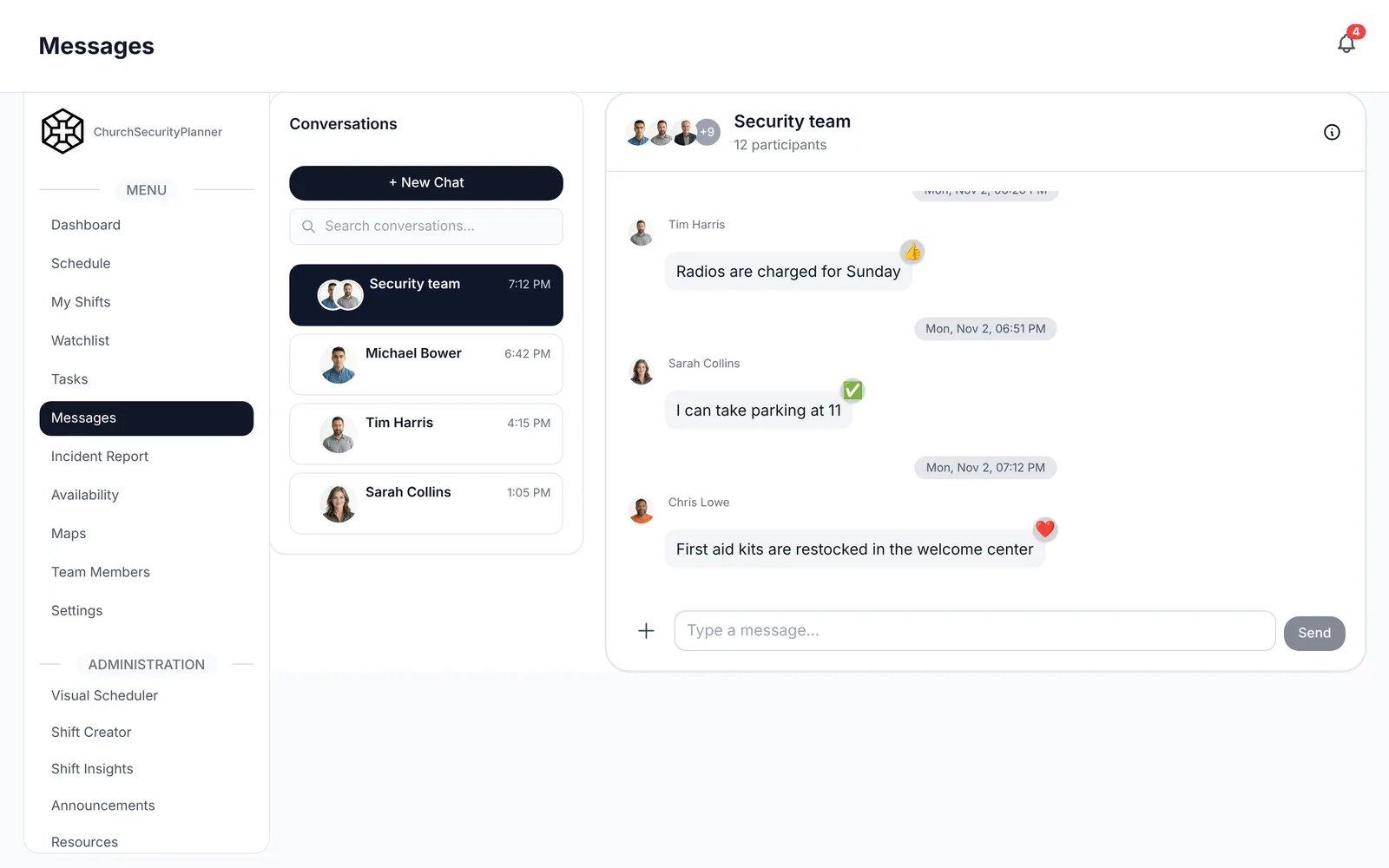
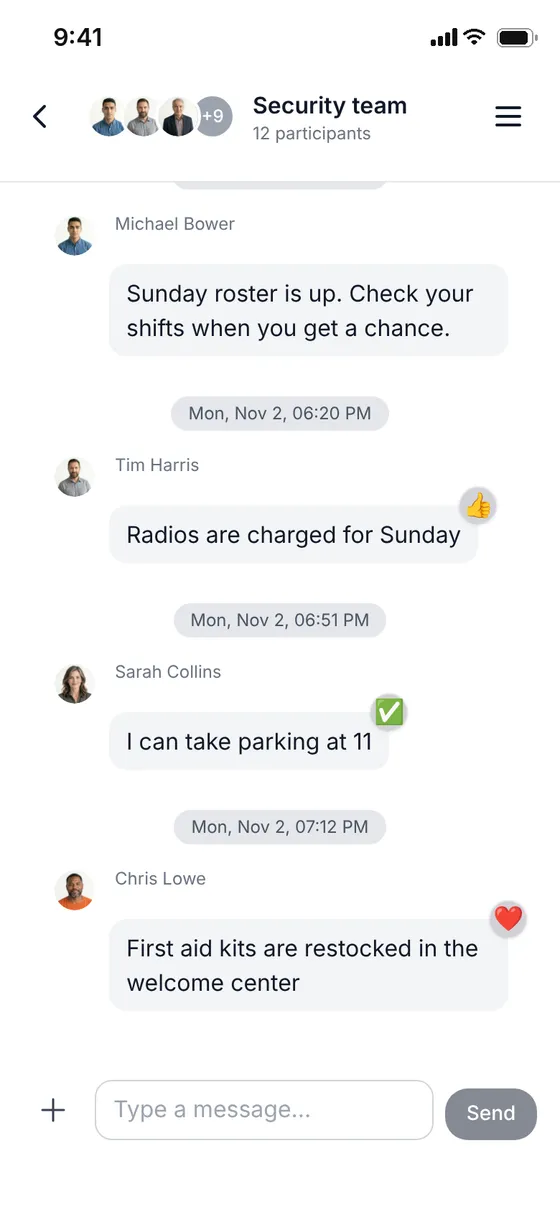
Messages
Team channels replace the group text. Send updates and share photos.
 Also on the web
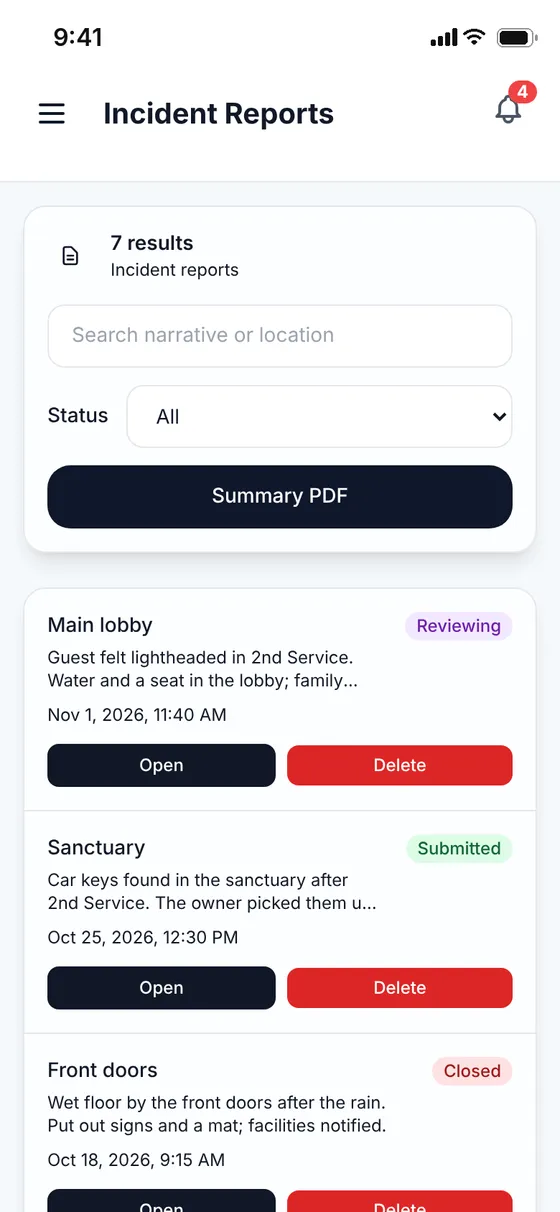
Incidents
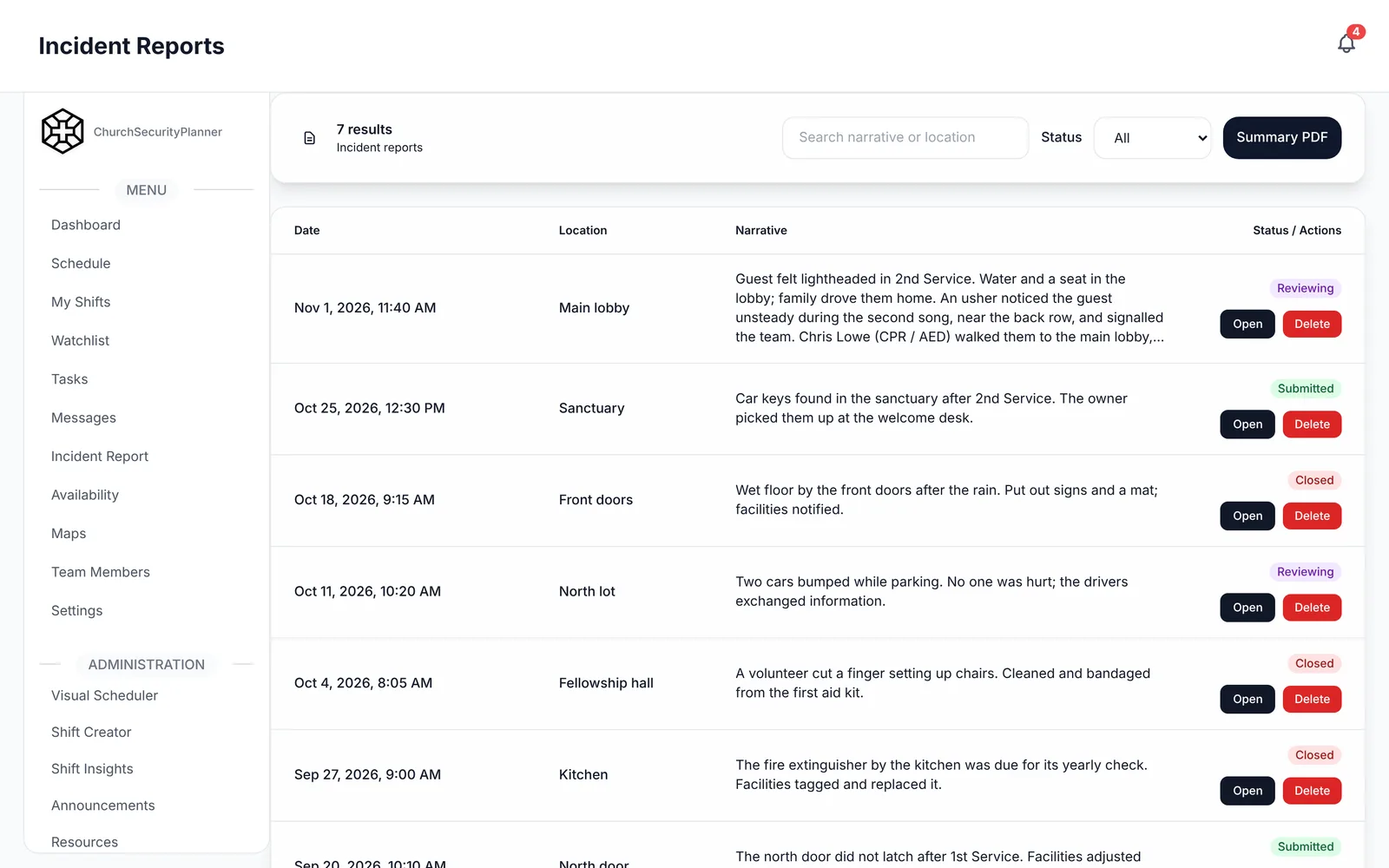
Timestamped reports with location, narrative, photos and resolution status. A written record, not a memory.
 Also on the web
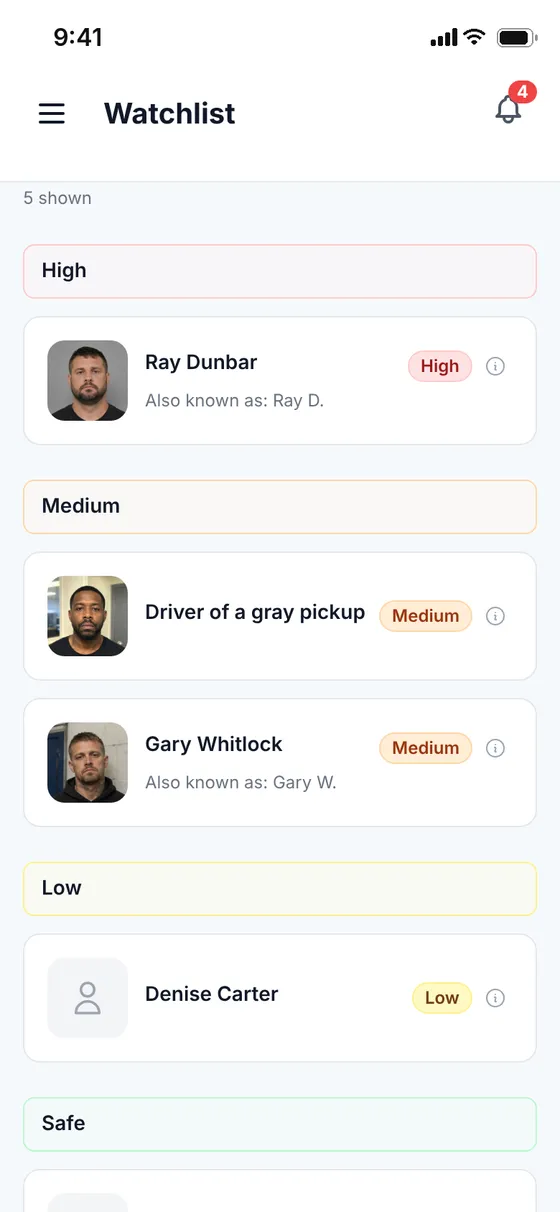
Watchlist
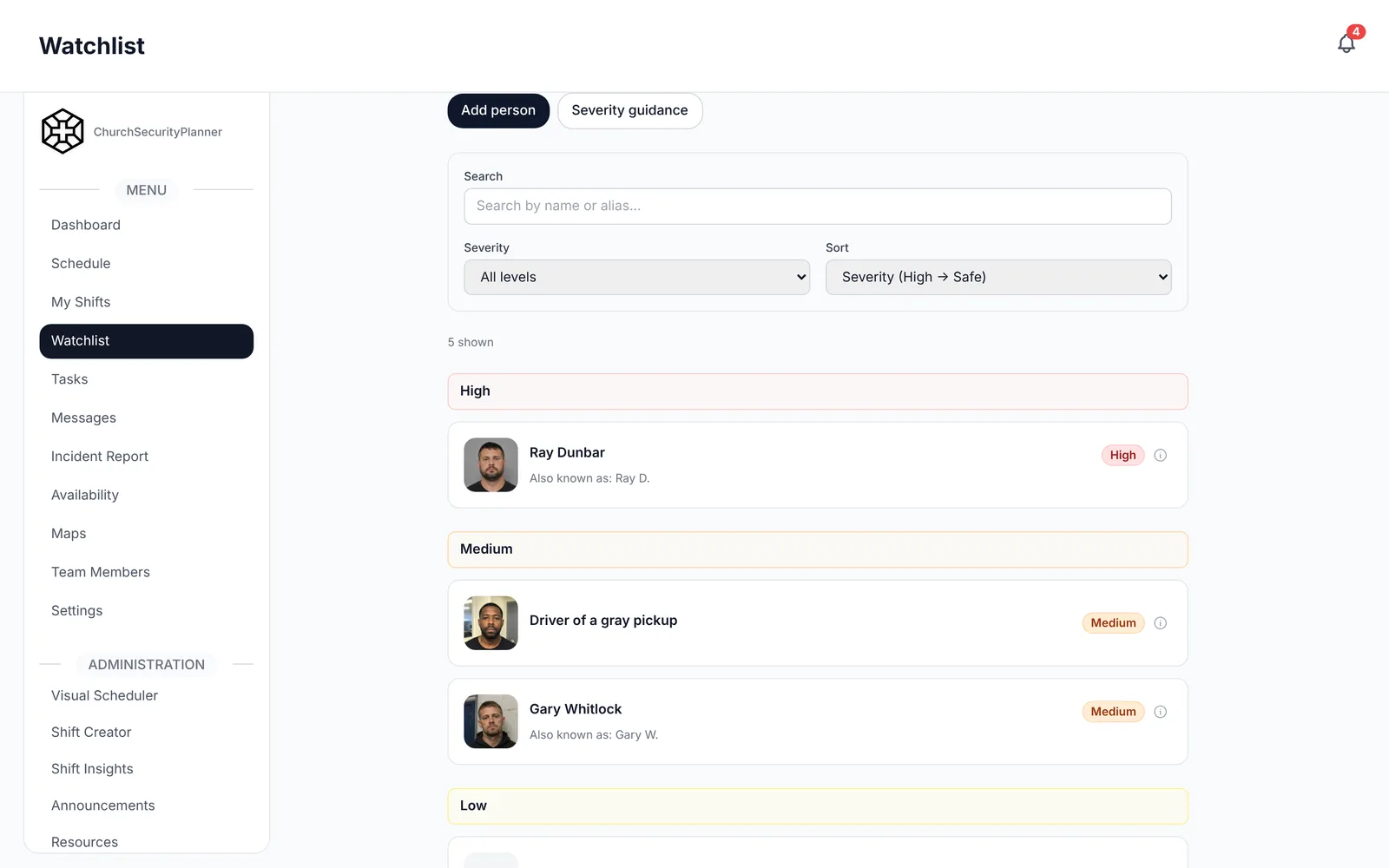
Admins record who to watch for and how urgent it is, then alert the team. Color-coded severity tells volunteers how to respond.
 Also on the web
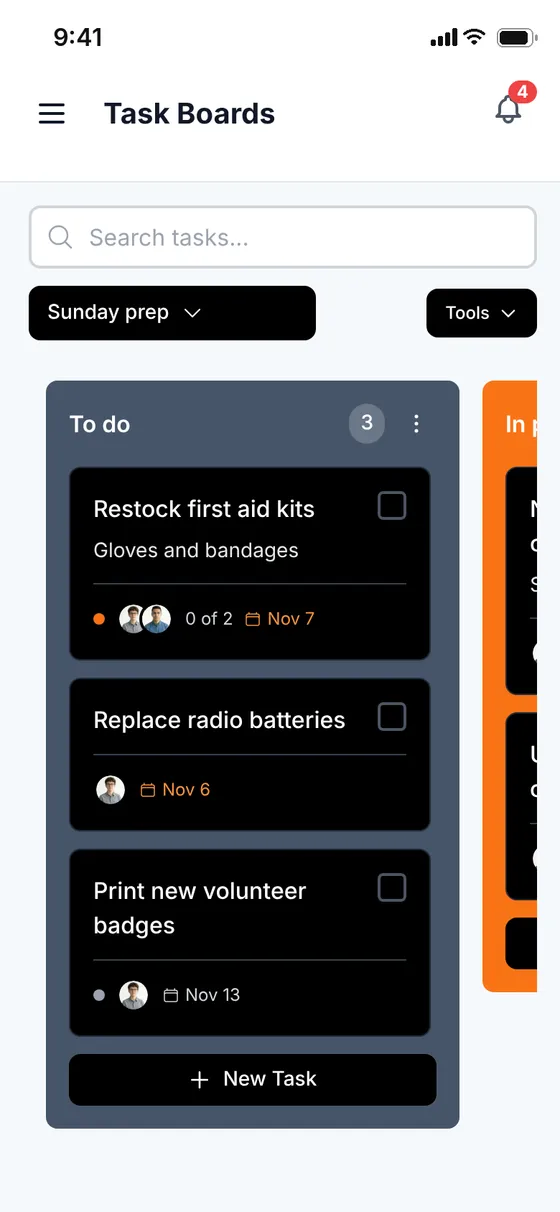
Tasks
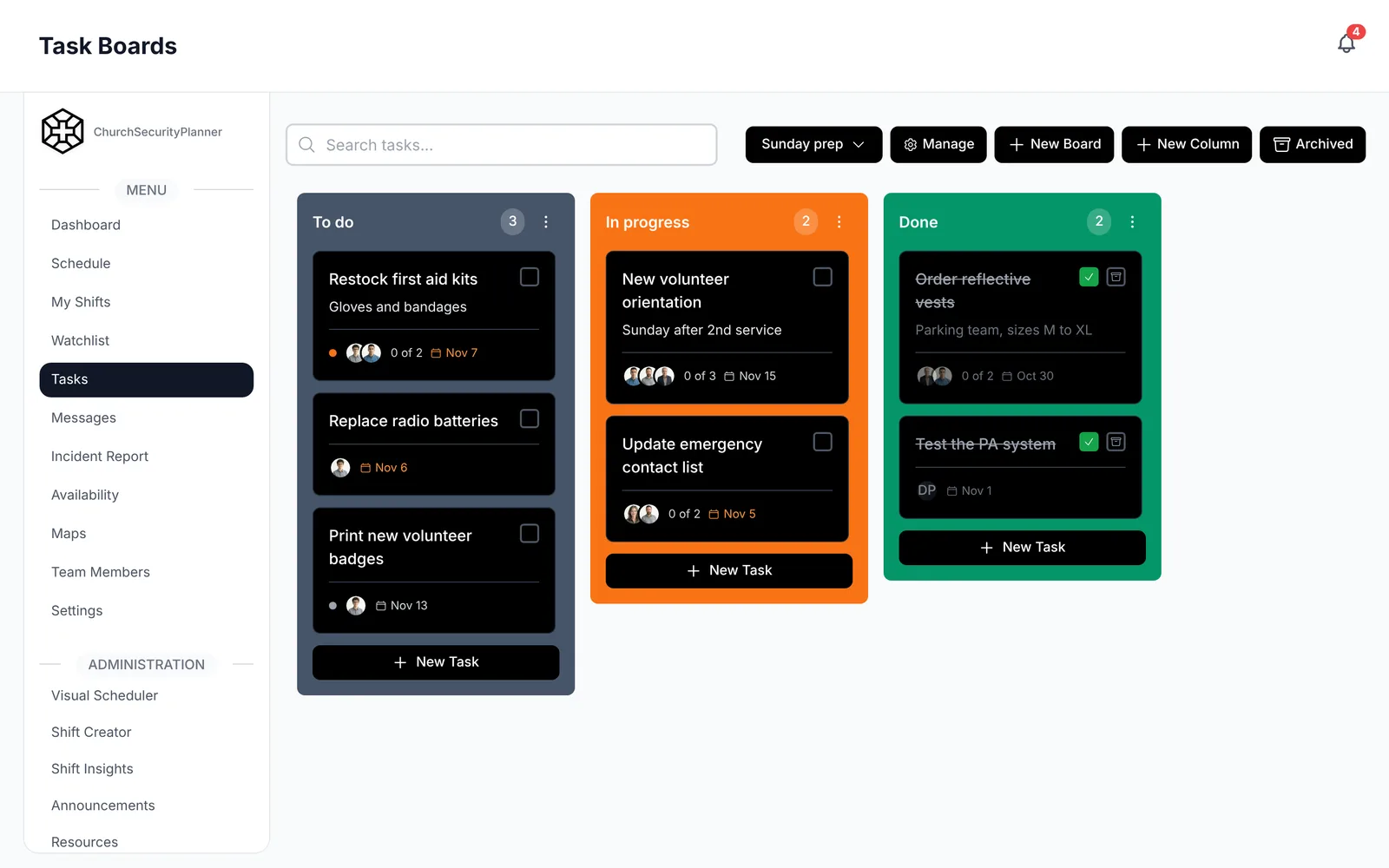
Drag-and-drop boards. Assign tasks, set due dates and follow them through to done.
 Also on the web
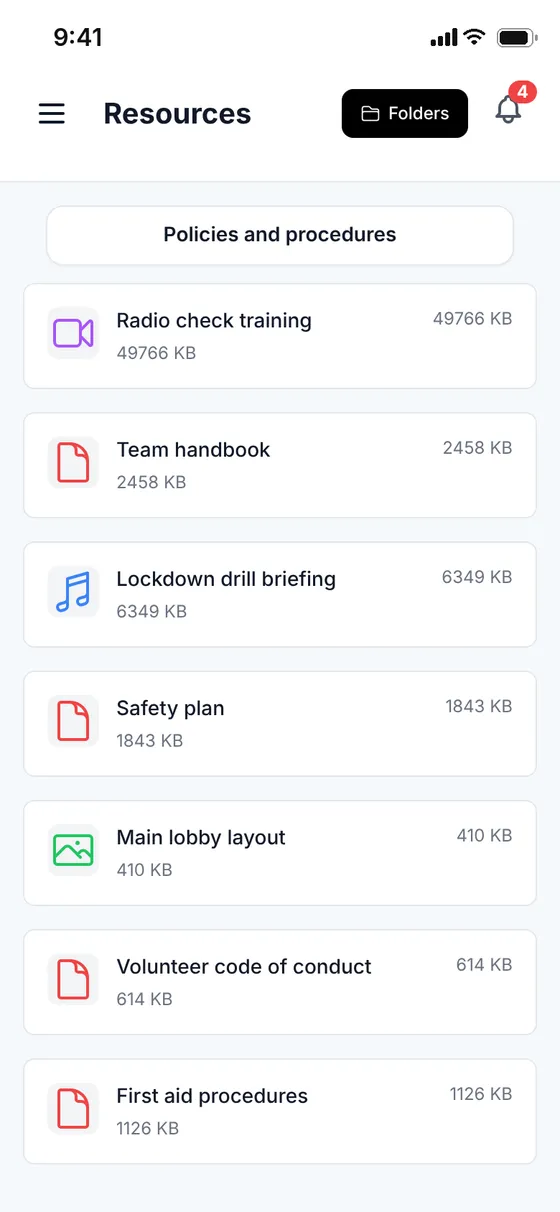
Resources
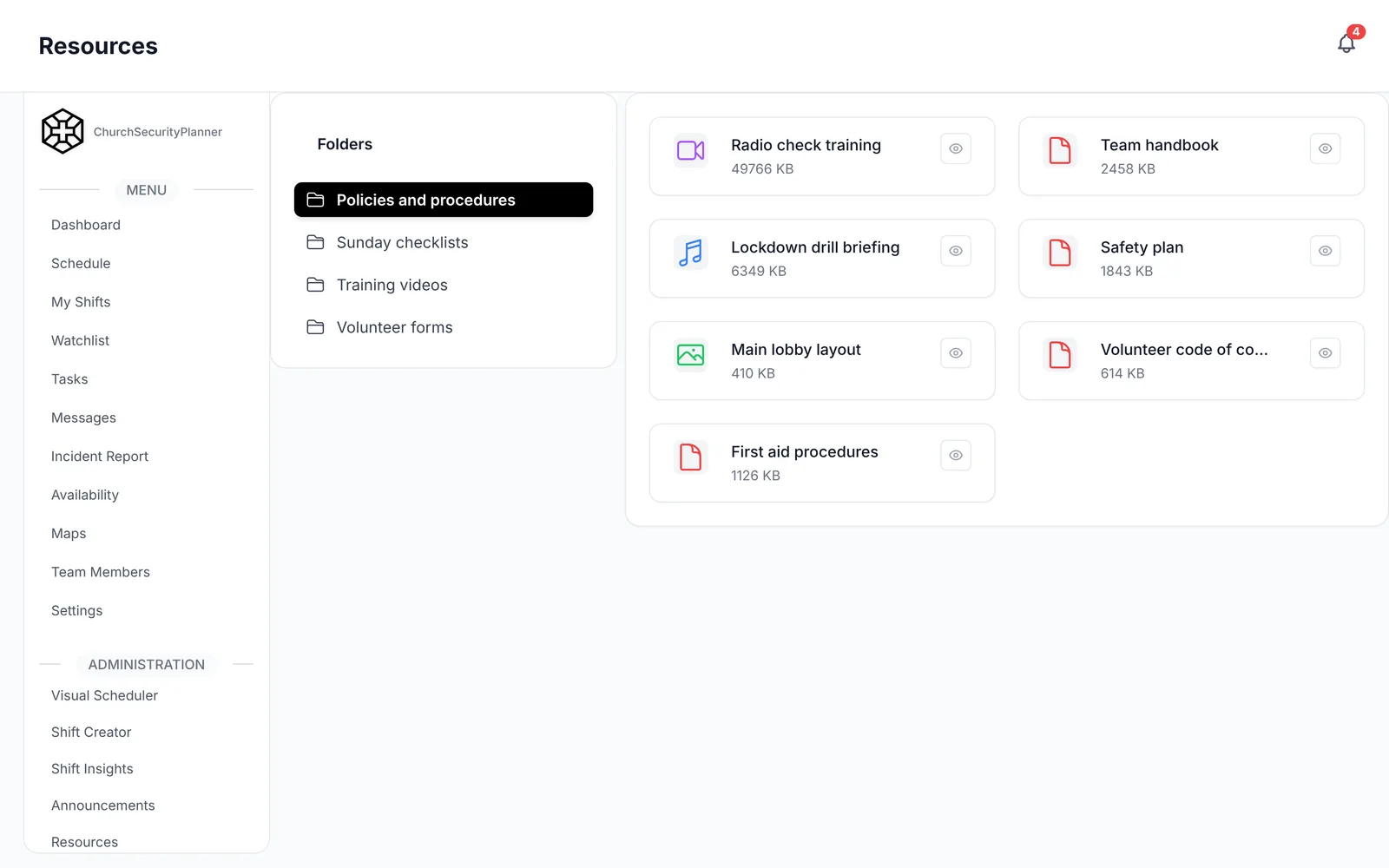
Upload SOPs and training documents, and link YouTube or Vimeo videos without using any storage.
 Also on the web
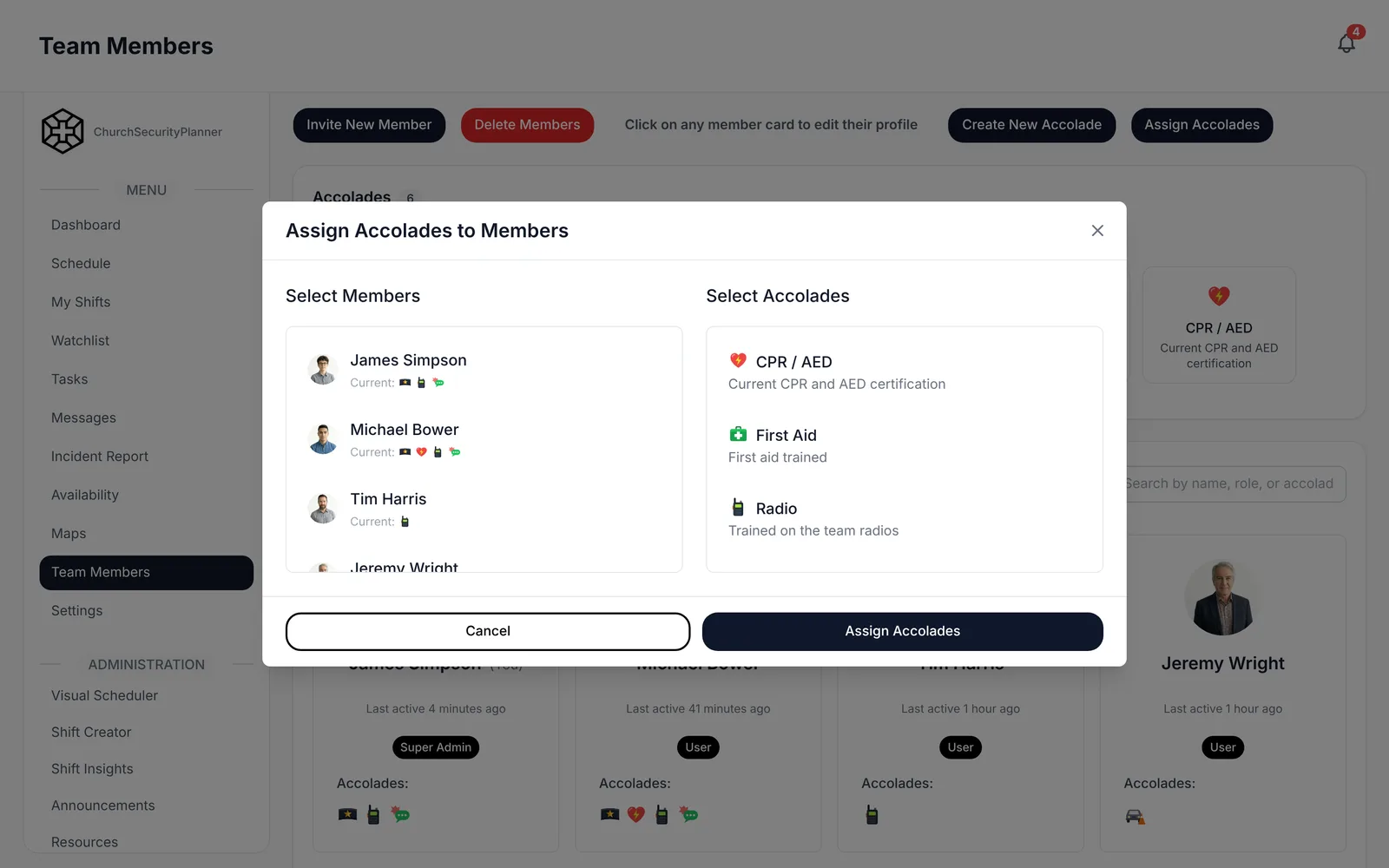
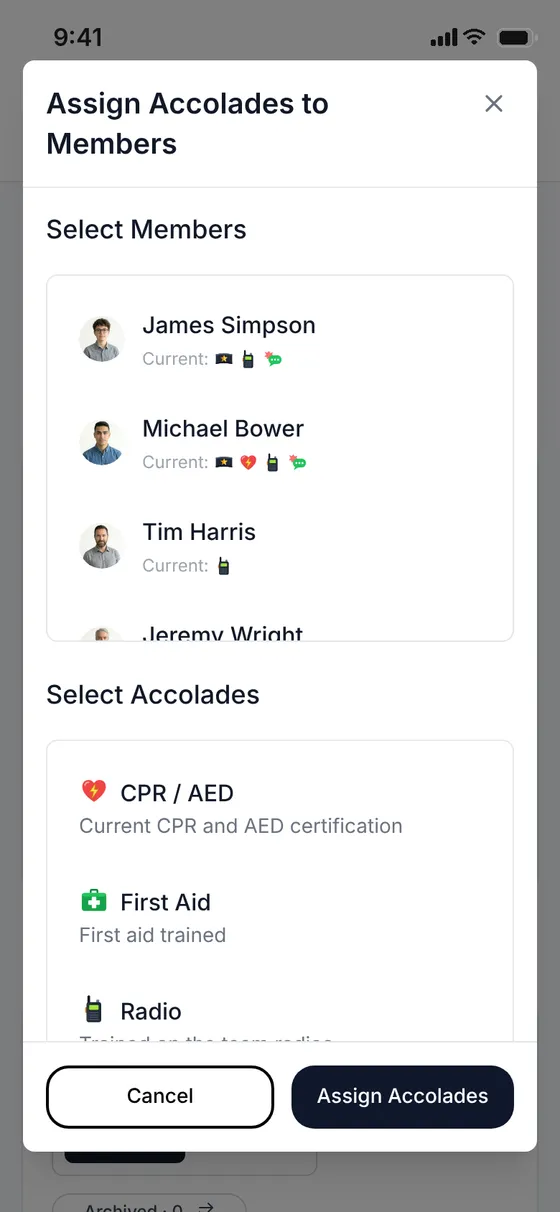
Accolades
Record training and certifications, then see at a glance who is qualified for each post.
 Also on the web
A walkthrough of everything your team gets on day one.
A 90-second narrated walkthrough, with captions.
Supabase Row Level Security keeps each church’s records separate.
TLS 1.2 or higher in transit. Hosted in the US.
Our privacy policy lists who receives data, and why.
Illustrative
Audit logging of key record changes, daily database backups by our hosting provider, and infrastructure health monitoring.
Simple, easy to use, and not full of useless junk. additionally, the app is well managed and regularly updated.
I’ve used this app for a while now and I am pleased at how intuitive the programming is. Developer has been responsive to request for changes as well. Prior to using Church Security Planner I used a broad-based church application, which just didn’t function properly for our the specifics broad based needs of our security operation.
Excellent way to communicate and plan for the safety of a church body.
Quick, easy to use, efficient, and necessary for any team to use. Thanks to the developer.
Every plan includes every module and a 14-day free trial. Plans differ by team size, storage and support.
Save 15% with annual billing. Prices are in US dollars and do not include sales tax. See full pricing
Start a 14-day free trial and bring your whole team in.
No card needed to start.
ChurchSecurityPlanner is a coordination tool, not a security or alarm system. It does not contact 911 or emergency services. In an emergency, call 911.


Still unsure? Email info@churchsecurityplanner.com. Support hours are 8 AM to 5 PM ET, every day.
No. The 14-day trial starts without a card. If no card is on file when it ends, the account pauses until billing is set up.
Every feature of the app: scheduling, messaging, incident reports, the watchlist, tasks, resources and accolades. Plans differ by team size, storage and support.
Yes. ChurchSecurityPlanner runs natively on iPhone and Android, with push notifications for shifts and messages, and, for admins, new incident reports.
Supabase Row Level Security keeps each church’s data separate. Data is encrypted at rest with AES-256 and in transit with TLS 1.2 or higher. Changes to key records are logged, and the database is backed up daily by our hosting provider. We never sell personal information.
Yes. Save 15% on every plan with annual billing.
Yes. Upgrade anytime from Billing; to move to a smaller plan, email support.
When a subscription is canceled, we keep your church’s data for 90 days so you can reactivate or request an export, then permanently delete it unless the law requires us to keep it longer. An admin can ask for an export or deletion at any time.
About
ChurchSecurityPlanner is software from Conversion Catalyst LLC that helps churches run their safety and security ministry. Churches use it to schedule volunteers, coordinate shifts and campuses, report and track incidents, and communicate with their teams before and during services.
It is used by church staff and volunteer safety teams. Accounts are created by a church administrator, who invites their own team members.
What the product does
The platform covers:
Every church operates in its own isolated data partition. Access is controlled by role, and administrators decide who can see what.
Text messages
Where a church chooses to enable it, ChurchSecurityPlanner sends operational text messages to volunteers and staff — invitations to join a team, sign-in credentials, and service notifications. We do not send marketing or promotional text messages.
Mobile numbers are entered by a church administrator, who confirms at the time of entry that the person has agreed to receive text messages from ChurchSecurityPlanner about their role and schedule. Consent to receive texts is never a condition of using the Service. Reply STOP to any message to opt out, or HELP for assistance. Message and data rates may apply.
Full detail is in the Privacy Policy, section 9.