
Who this template is for
This outline is for the person at your church who has been asked to "write up a plan." That is often a volunteer, a deacon, an usher or a staff member who also runs the safety team.
You do not need to be a security professional. You need to know your building, your services and the people who serve on Sunday morning.
I served on church security teams, and the plans that helped were short and specific. A plan that names who does what, with a phone number next to each name, beats a forty-page binder nobody has read.
How to use the template
Copy the sections below into a document you can edit and print. Each section has a few [bracketed] blanks.
Fill in what you know today and leave the rest marked "to decide." An honest draft with gaps is more useful than a polished plan that guesses.
Then have your pastor or church leadership read it and approve it. If you want help with the wording of the rules your team follows, see church safety team policy and procedures. For the bigger picture, start with the church security planning guide.
This page is an outline for you to copy into your own document. Talk to your insurer and to an attorney licensed in your state before you finalize it.
The template
This is an example to adapt to your church.
1. Purpose and scope
- Our church safety and security team exists to [one sentence on why the team exists].
- This plan covers [campus, buildings and off-site events].
- It applies to [Sunday services, midweek programs, special events].
- Approved by [name and title] on [date].
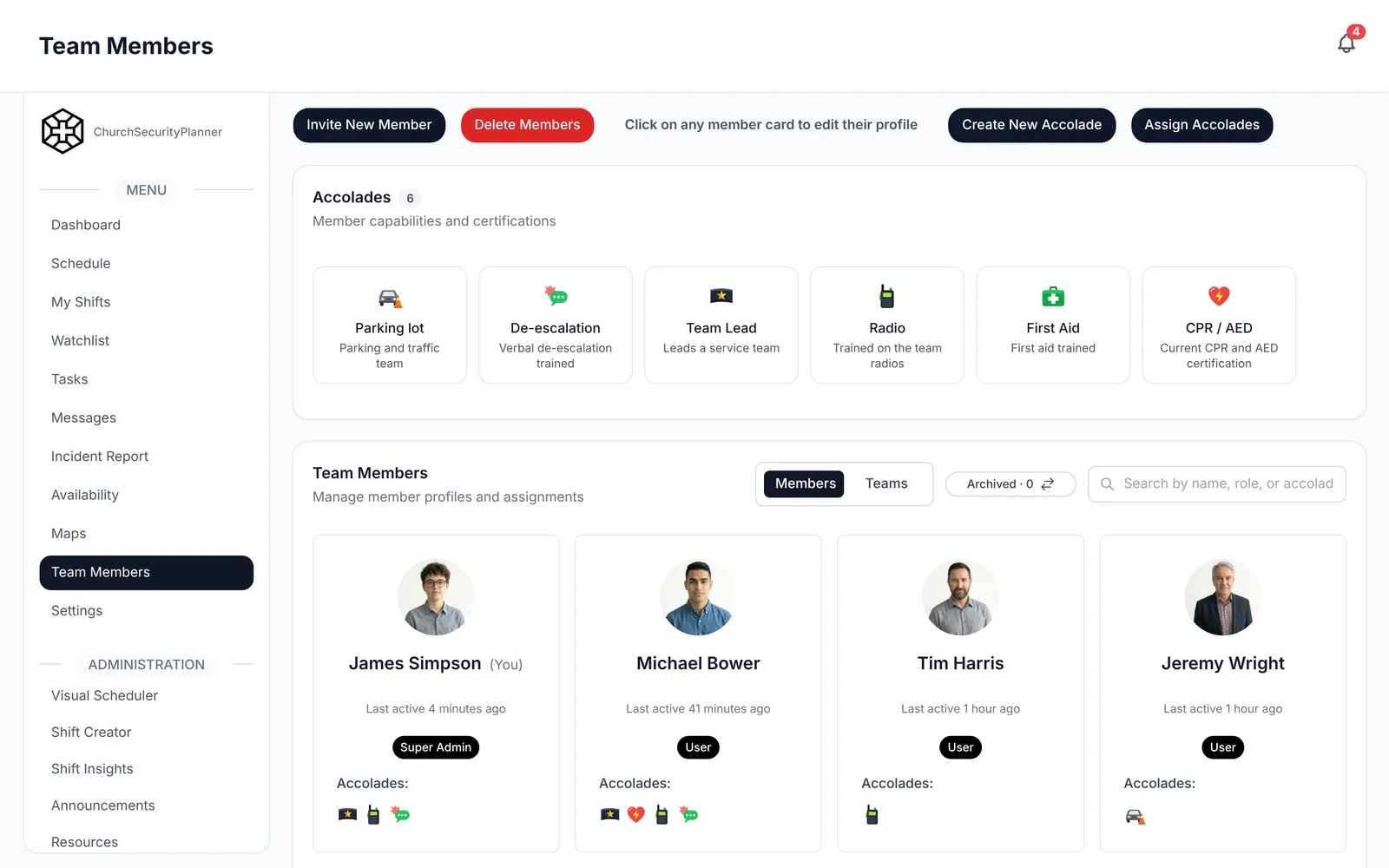
2. Team and contacts
- Safety team lead: [name], [phone].
- Backup lead: [name], [phone].
- Pastor or staff contact: [name], [phone].
- Other contacts: [facilities, children's ministry director, church office].
3. Roles
- [Role name, such as door greeter]: [what this person watches and does].
- [Role name, such as parking lot]: [what this person watches and does].
- [Role name, such as medical response]: [who fills it and what training they hold].
- Who is in charge when the lead is absent: [name].
4. Facility notes and posts
- Public entrances: [list], unlocked at [time], locked at [time].
- Posts for each service: [entrance, lobby, children's wing, parking lot].
- Where the medical kit and AED are kept: [location].
- Doors that stay locked during services: [list]. Who holds keys: [names].
5. Service-day procedures
- Team arrives by [time] for a building walk and briefing.
- During services, each post is held by [who] and relieved by [who].
- The team signals each other by [phone message, radio channel, hand signal].
- After services, the last person out checks [doors, restrooms, classrooms].
6. Medical response
- Call 911 first, then tell [team lead] where the person is.
- [Name] sends a person to meet EMS at [door] and keep the path clear.
- The medical kit and AED are brought by [name].
- A trained volunteer stays with the person until EMS takes over: [names].
7. Severe weather and fire
- Fire: [who pulls attendees toward which exits], and the meeting point is [location].
- Severe weather: shelter in [location], and [name] decides when to move people.
- Who checks restrooms and classrooms before leaving: [names].
8. Evacuation and reunification
- Primary exit routes: [list by room or wing].
- Outdoor meeting point: [location]. Backup point: [location].
- Children's ministry check-out process during an evacuation: [per church policy].
- Where families reunite with children: [location], run by [name].
9. Communication
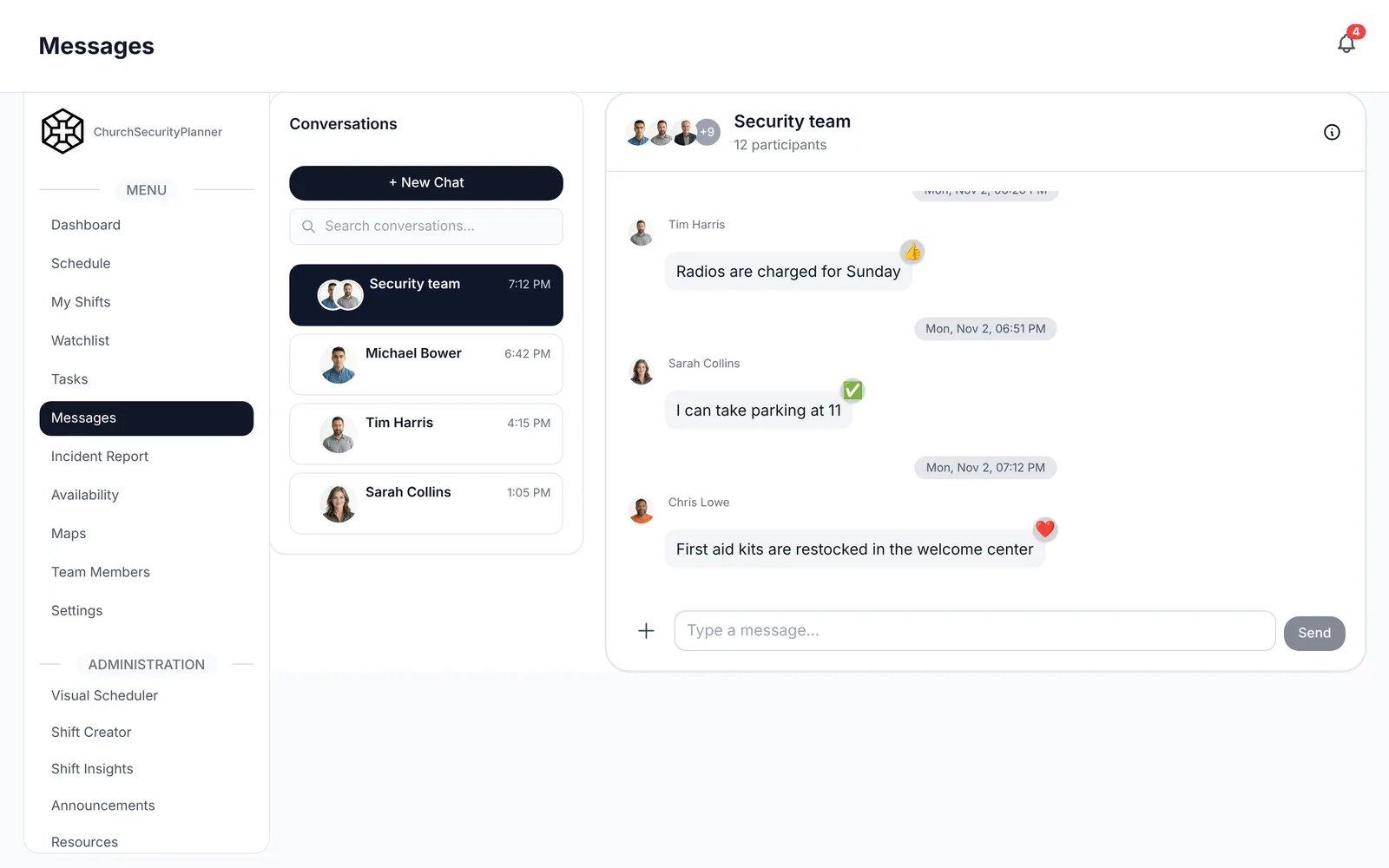
- The team talks to each other through [app, group, radio].
- [Name] speaks to the congregation, if needed, from [location].
- [Name] speaks with the press or outside questions, if any.
- Who calls the pastor and church leadership: [name].
10. Incident reporting and follow-up
- Any incident, even a small one, gets a written report by [deadline, such as the same day].
- Reports go to [name] and are stored in [location].
- Follow-ups are assigned to [name] with a due date of [date].
- Our incident report template is [where the team finds it].
11. Training and drills
- Required training for every volunteer: [list].
- Role-specific training: [medical, first aid, de-escalation per your trainer].
- We run a drill at least [number] times a year, next on [date].
- Training records are kept by [name].
12. Review schedule
- This plan is reviewed every [interval] and after any real incident.
- Reviewer: [name]. Approver: [name].
- Last reviewed: [date]. Next review: [date].
- Changes are announced to the team by [method].
Keep the plan current
A plan goes stale the day a phone number changes. Put a review date on the first page and put that date on a calendar.
Review it after any real incident and after any change to your building, your service times or your team lead. Ten minutes with the pastor and the team lead is often enough.
When something changes, fix the one master copy and tell the team. Old printed copies are the usual way a volunteer ends up following last year's plan.
Where to keep it so volunteers can open it
A plan in a locked office drawer will not help a volunteer at the side door. Think about where your people look first.
Keep one master copy that the team lead edits. Make sure every volunteer can open the current version on their phone, and print a short copy for the safety table or the medical kit.
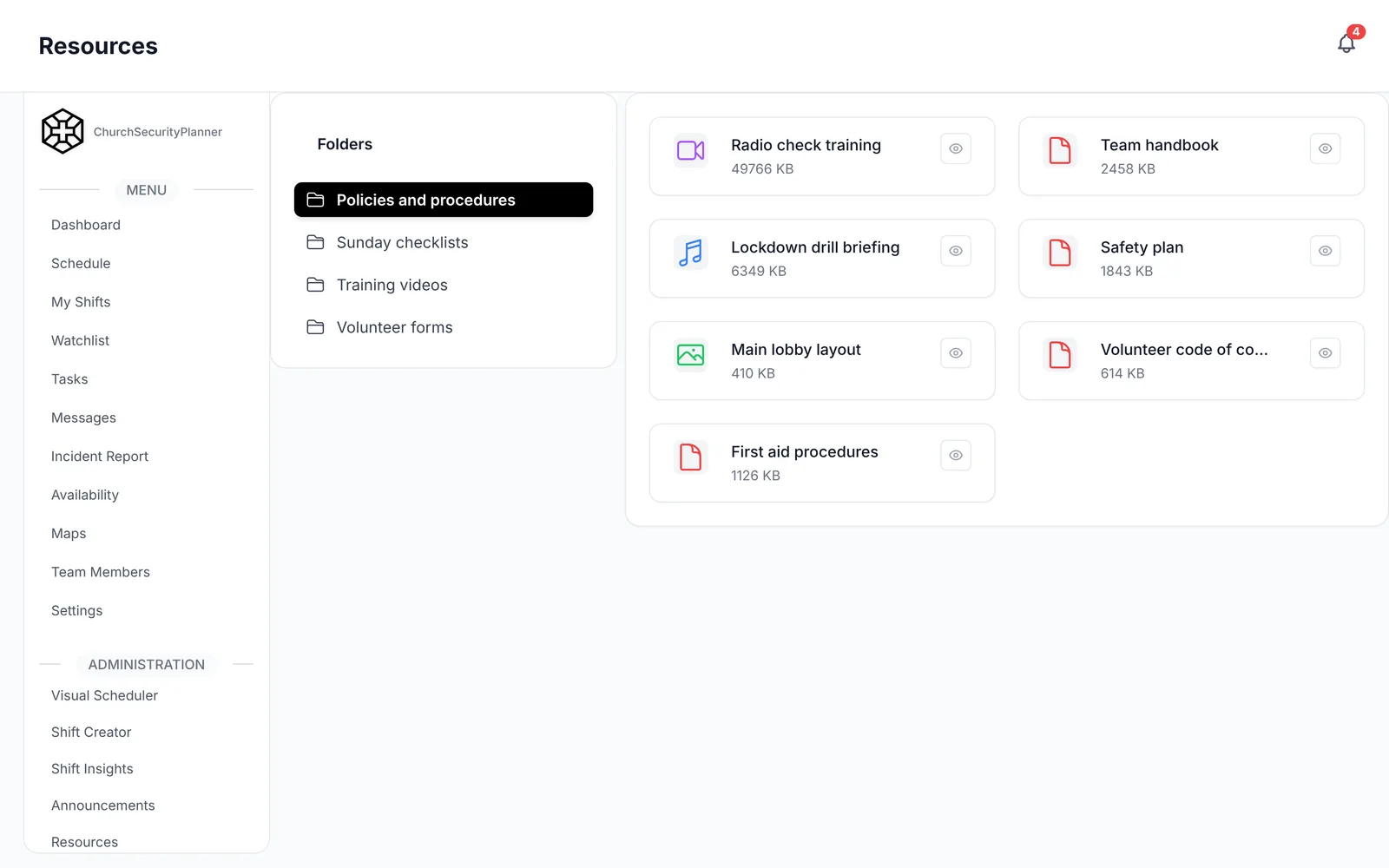
In ChurchSecurityPlanner, the plan sits in your team's resource library, so a volunteer can open it on their phone. I keep the written plan in a resource library inside the same app the team uses for the schedule. That way, when a volunteer asks "what's the plan for this?", the answer is where they already are. Any shared folder works too, as long as everyone knows where it is and old versions are removed.
Last, walk the team through it once. Reading a plan together shows the gaps faster than editing it alone.
Trenton J. Reagan is the founder of ChurchSecurityPlanner, a former youth pastor and church security team member. He was trained in church protection protocols by law enforcement and military professionals and has a lifelong background in firearms training and tactical preparedness. ChurchSecurityPlanner was built in response to a direct request from his father, Pastor Clint Reagan of Calvary Chapel Knoxville — a congregation of 5,000 — who needed a comprehensive tool to manage his security teams.