
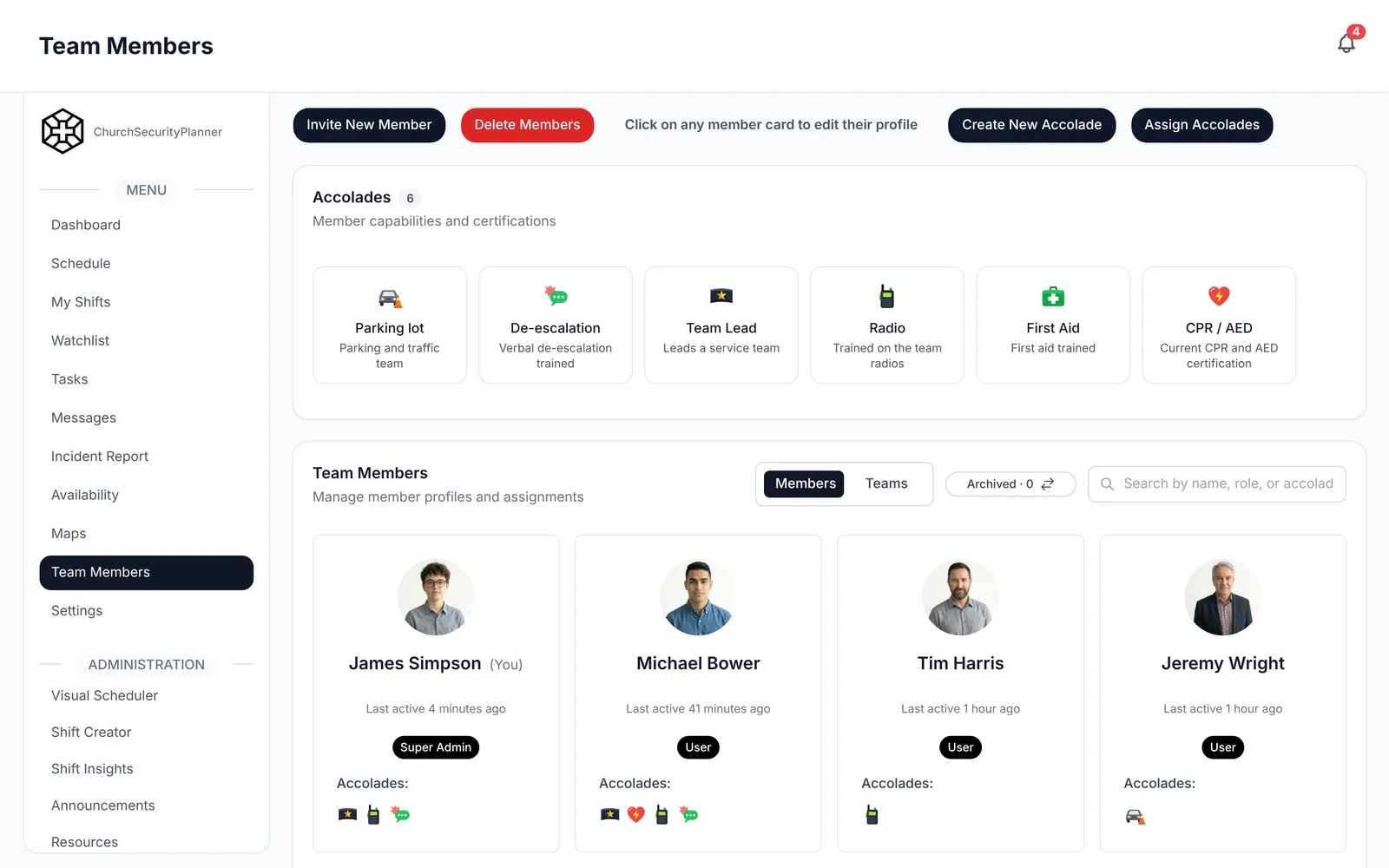
Start With Approval and a Written Purpose
A church safety team works best when it begins with leadership's approval. Talk to your pastor and elders or board first. Ask them what they want the team to do, and what they do not.
Then write a short purpose, two or three sentences. For example: "The safety team helps our congregation worship with care by welcoming people, watching over the building and responding to medical needs." Leadership signs off, and you keep the page.
This is also a good time to talk to your insurer and an attorney licensed in your state. Ask them what applies to your church. I am not the right source for that, and neither is any software.
Pick a Team Lead
Every team needs one person who owns the schedule and the next step. Choose someone steady and well known to the congregation, who will answer a phone call at 8 a.m. on a Sunday.
The lead does not have to be the most experienced person. Our guide to church security team roles describes the other roles you can add as the team grows.
Who to Invite
People ask how to find qualified people for a church safety team. Start with the people your church already knows: steady, reliable members who show up, who are calm, and who care about others.
A former police officer or nurse can be a help. A person who is simply dependable is just as valuable. Ask in person, and explain the purpose and the time you are asking for.
Your church decides its own screening for volunteers. Ask your leadership what it will require before anyone is added to the team.
Screening and Background Checks
Background checks are the church's decision, and the church runs them through a service it chooses. Decide the policy first, and apply it to everyone the same way.
ChurchSecurityPlanner does not run background checks. It can keep the record: an admin can attach the completed check to the volunteer's profile as a file, and your church can create its own accolade, such as "Background check," and give it to each volunteer who has one.
Training
Training builds confidence. Plan on first aid, CPR and AED courses from recognized organizations in your area. Your church decides what each role needs.
Your leadership decides who serves where.
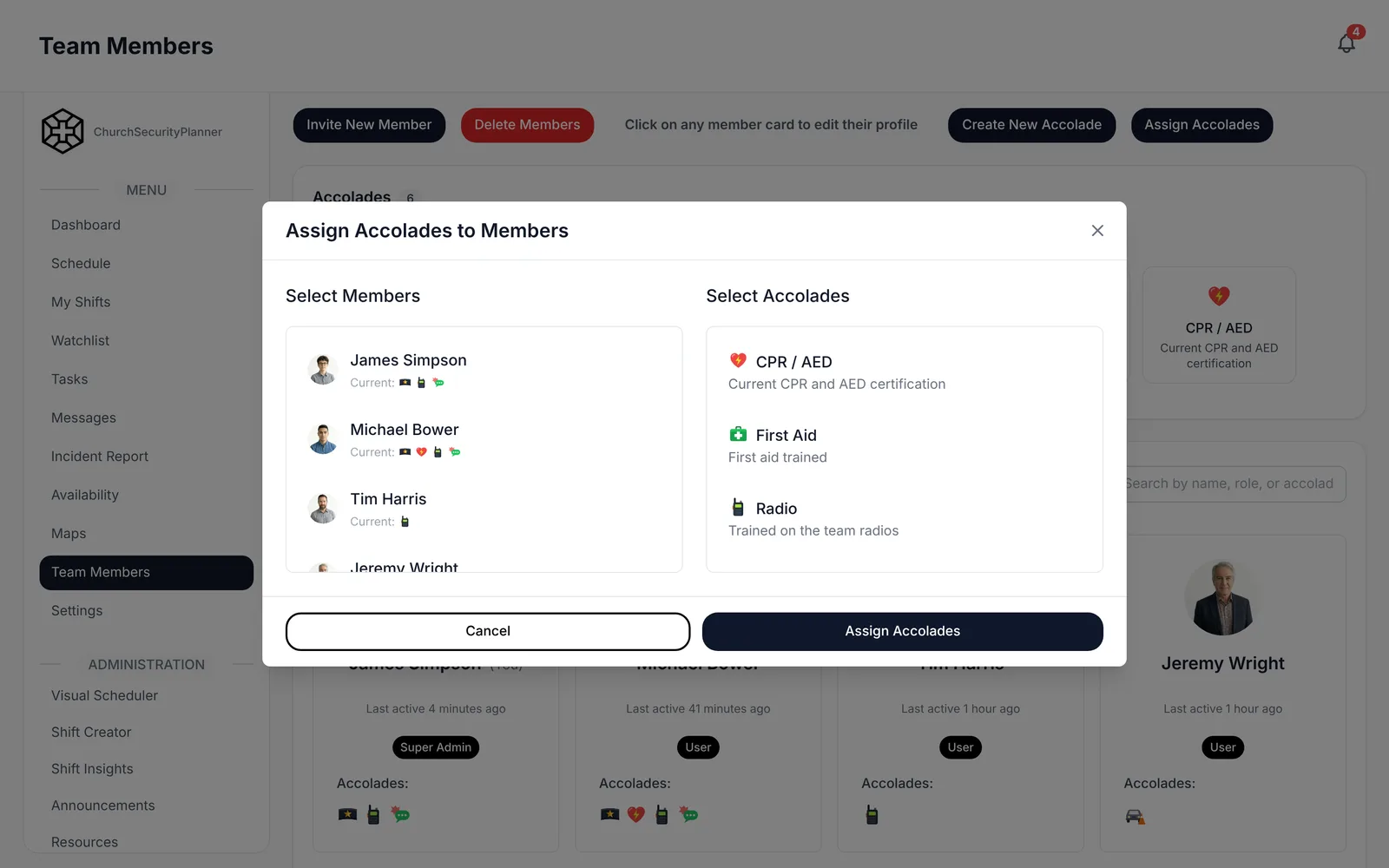
Accolades in ChurchSecurityPlanner record a volunteer's trainings, and a role on a shift can require one.
First Roles
Start small. Three or four roles cover most Sundays: a greeter at the main door, someone for the children's area, a person who walks the building, and a medical lead who knows where the first-aid kit and AED are.
Write each role in two or three lines, and give every volunteer a copy. Say what the person does, who they report to and who they call.
Build a First Schedule
Pick the services you will cover first, usually the largest one. Ask each volunteer which weeks they can serve, then assign them to posts. Our schedule template shows one way to lay it out.
Aim for a rotation that gives everyone a Sunday off each month. Name a backup for every post.
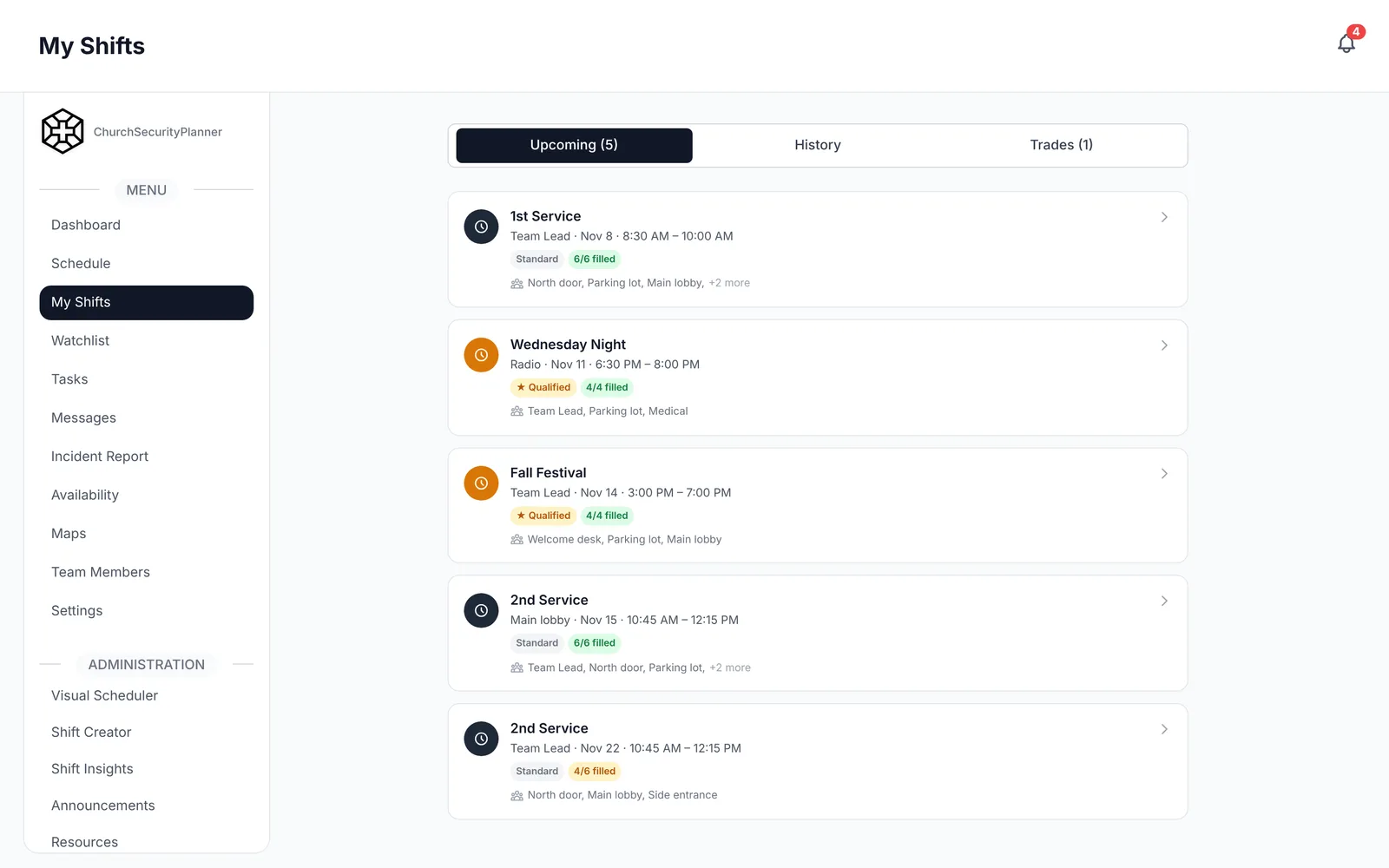
In ChurchSecurityPlanner, volunteers set their availability and you assign them to shifts, with shift trades when plans change.
A First Drill
Within the first two months, run a short drill. Choose a simple one, such as a medical call during a service. Walk through who calls 911, who meets the ambulance and who keeps the area clear.
Afterward, sit down for ten minutes. Write what worked and what did not. Our policies and procedures guide can help you write down what you decide.
A First 90 Days Checklist
Copy the three lists below into a document you can edit and print. Fill in the bracketed fields.
This is an example to adapt to your church.
Days 1-30
- Meet with [pastor or board] and get approval to start on [date].
- Write the team's purpose in [two or three] sentences and file it with [name].
- Choose a team lead: [name], phone [number].
- Decide the church's screening policy for volunteers: [policy], owner [name].
- Invite the first [number] volunteers: [names].
- Pick the first service to cover: [day and time].
Days 31-60
- Hold a first team meeting on [date] to read the purpose together.
- Write [three or four] first roles and assign each to [name].
- Sign up for first aid, CPR and AED courses from recognized organizations: [course, date].
- Build the first schedule for [service], with a backup for each post.
- Choose how the team communicates: [channel], owner [name].
Days 61-90
- Run a first drill on [scenario] on [date], led by [name].
- Write up what worked and what did not: [notes], owner [name].
- Hold the day-90 review with [pastor or board] on [date].
- Decide what to change, add or drop: [list].
- Set the next review: [date].
The Review at Day 90
At day 90, meet with the leadership that approved the team. Bring the purpose, the roster, the schedule and the notes from your first drill.
Ask three questions. Is the team covering what we agreed? Are volunteers staying? What should we change before the next 90 days?
When you are ready for the larger picture, read the church security planning guide and the plan template. A small team can also start with our small church security guide.
Trenton J. Reagan is the founder of ChurchSecurityPlanner, a former youth pastor and church security team member. He was trained in church protection protocols by law enforcement and military professionals and has a lifelong background in firearms training and tactical preparedness. ChurchSecurityPlanner was built in response to a direct request from his father, Pastor Clint Reagan of Calvary Chapel Knoxville — a congregation of 5,000 — who needed a comprehensive tool to manage his security teams.