
When I served on a church safety team, the biggest problem was never a lack of willing people. It was that nobody was sure who was supposed to do what.
Two people watched the same door while the parking lot sat empty. Clear roles fix that, and they cost nothing.
This guide covers the common roles on a church safety and security team, what each one does before, during and after a service, and how a small church can combine them. Your church sets its own policies, so treat this as a starting point to adapt. For the bigger picture, see the church security planning guide.
The Common Roles on a Church Security Team
Names vary from church to church. What matters is that every task has an owner.
Team Lead or Coordinator
- Before: builds the schedule, confirms every post is filled and keeps the team's written plans current.
- During: stays reachable, handles questions from the team and works with pastoral staff.
- After: collects incident reports, runs a short debrief and follows up on open items.
Shift Lead
- Before: runs a five-minute huddle and confirms who is at which post.
- During: is the one person the rest of the shift goes to with a question. Covers a post if someone has to step away.
- After: makes sure any incident is written down the same day.
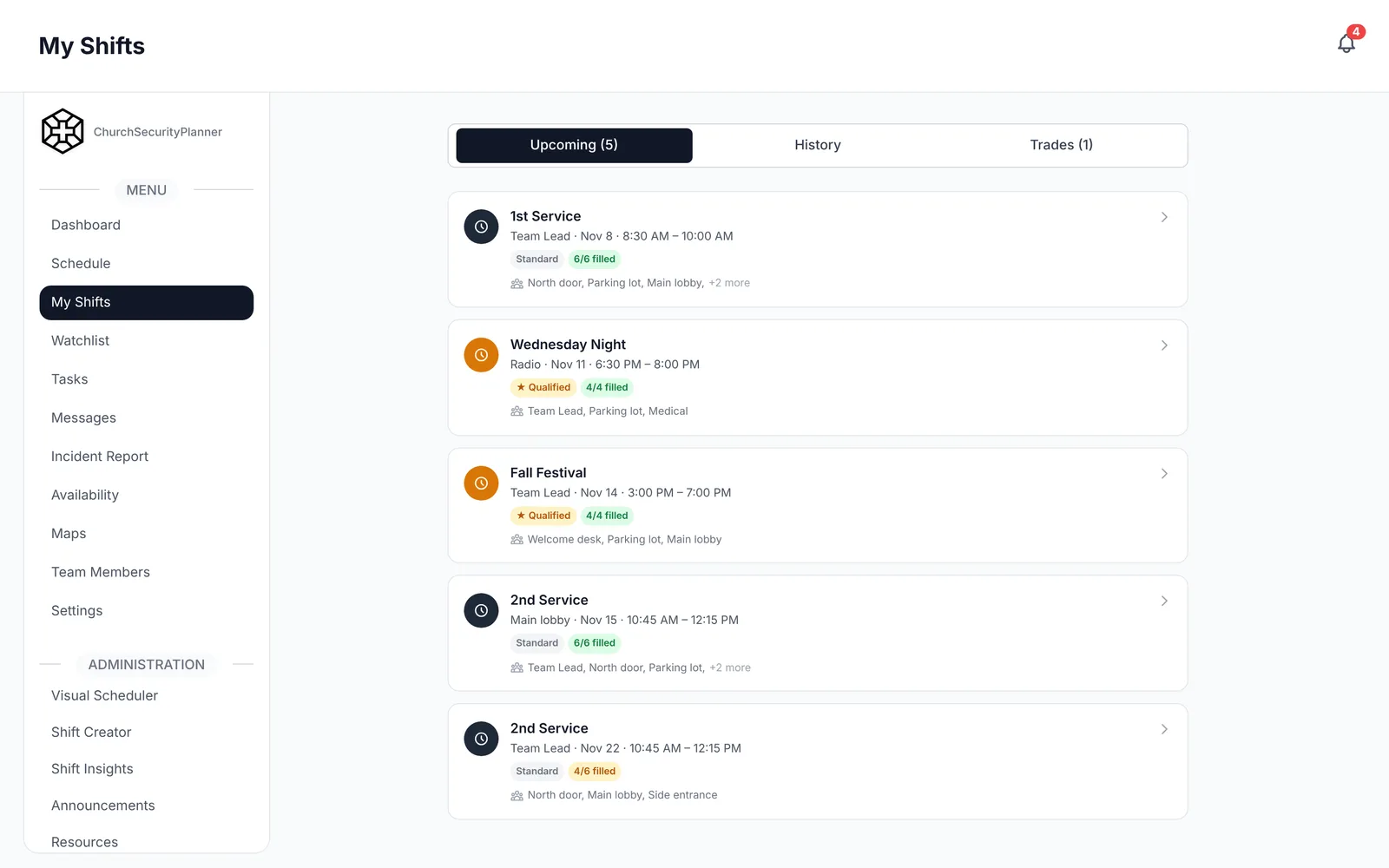
In ChurchSecurityPlanner, the schedule shows which post each volunteer holds on a shift.
Greeters and Door Team
- Before: arrive early, unlock the agreed doors and know where the exits and first aid supplies are.
- During: welcome people and notice anything that seems off. They tell the shift lead rather than handling it alone.
- After: help people leave and report anything they noticed.
Parking Lot Team
- Before: walk the lot and check lighting, traffic flow and any hazards.
- During: direct traffic, help people with limited mobility and watch for anything unusual.
- After: stay until the lot clears and walk volunteers and staff out when they leave late.
Sanctuary or Floor Team
- Before: learn the room, the aisles and where each team member will stand.
- During: stay quietly present, keep exits clear and stay in contact with the rest of the team.
- After: check the room and report anything left behind or out of place.
Children's Area Support
Your church's children's ministry policy comes first. Where the policy calls for it, a safety team member checks that doors and check-in or pickup areas are working as the ministry intends.
That volunteer follows the same rules as every other adult in that area. The children's ministry leader, not the security team, owns those rules.
Medical Responder
- Before: knows where the first aid kit and any defibrillator are, and checks that supplies are stocked.
- During: calls 911 first for any serious medical emergency, then gives the help their training allows.
- After: writes down what happened and restocks supplies.
Communications
- Before: checks that every volunteer can be reached and knows how the team will talk during the service.
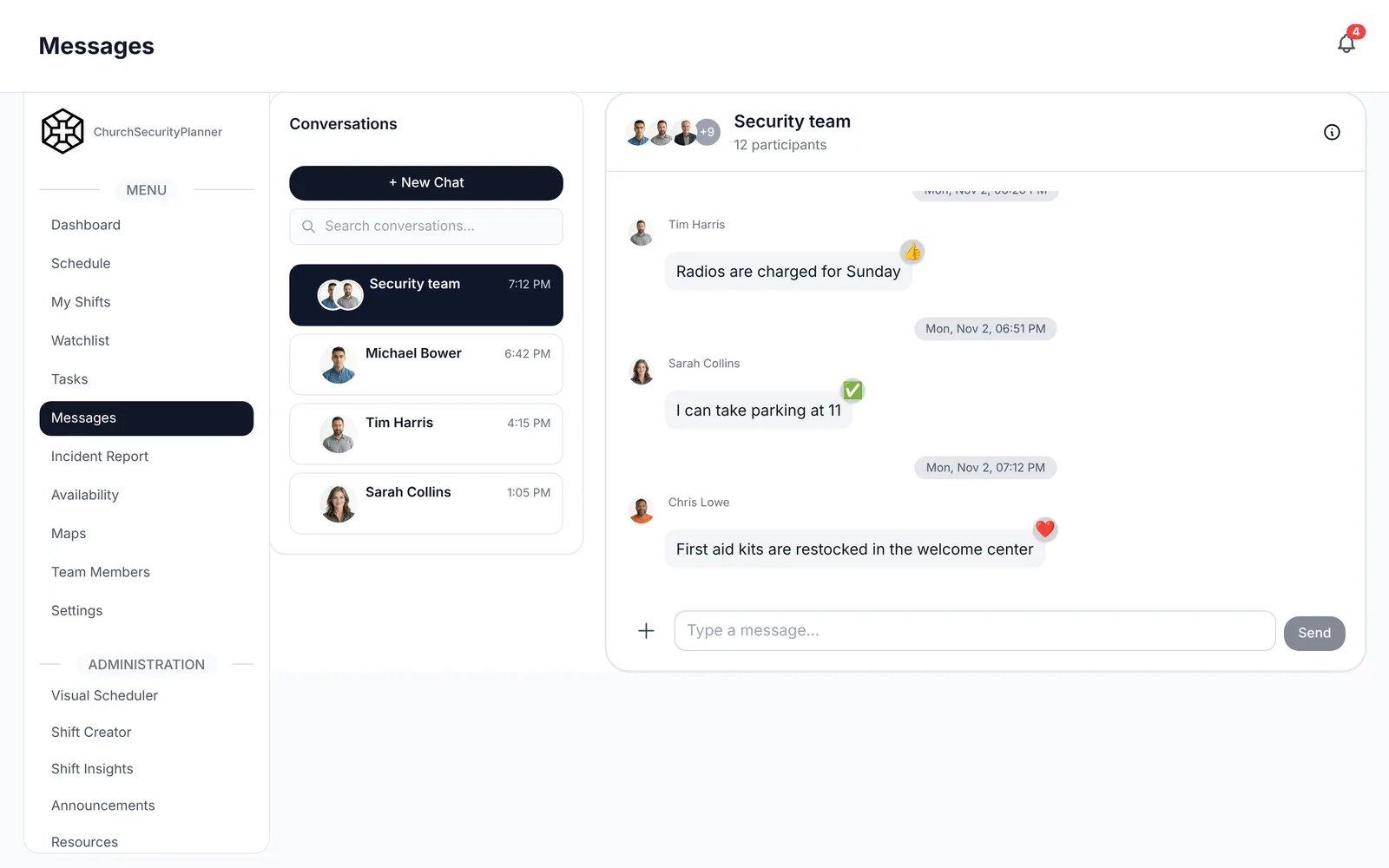
- During: relays messages between posts so a volunteer does not have to leave a post to pass something along.
- After: sends the follow-up notes and closes the loop on open questions.
How a Small Church Combines Roles
A church with ten volunteers cannot staff eight roles every Sunday. That is fine.
A common approach is to have one person cover several of the jobs above. Here is one way to do it:
- The team lead also serves as shift lead on the Sunday they are present.
- The door team and the parking lot team are one group that splits up once people have arrived.
- The medical responder also holds a post, as long as another person can cover it for a few minutes.
- Communications belongs to the shift lead until the team grows.
In ChurchSecurityPlanner, the team page lists each member and the role they hold.
The rule I keep coming back to is simple. Combine roles, but never leave a task without a named owner. For more on this, read small church security.
Assigning People by Strengths and Training
Ask volunteers what they are good at and what they are willing to do. A calm retired nurse suits the medical role. Someone who knows every family by name suits the door.
Match the person to the post, and avoid placing someone in a role they dread. They will quietly stop showing up.
Your church decides how volunteers are screened and what qualifications each role needs. Talk to your insurer and to an attorney licensed in your state before you set them, and keep that decision with church leadership.
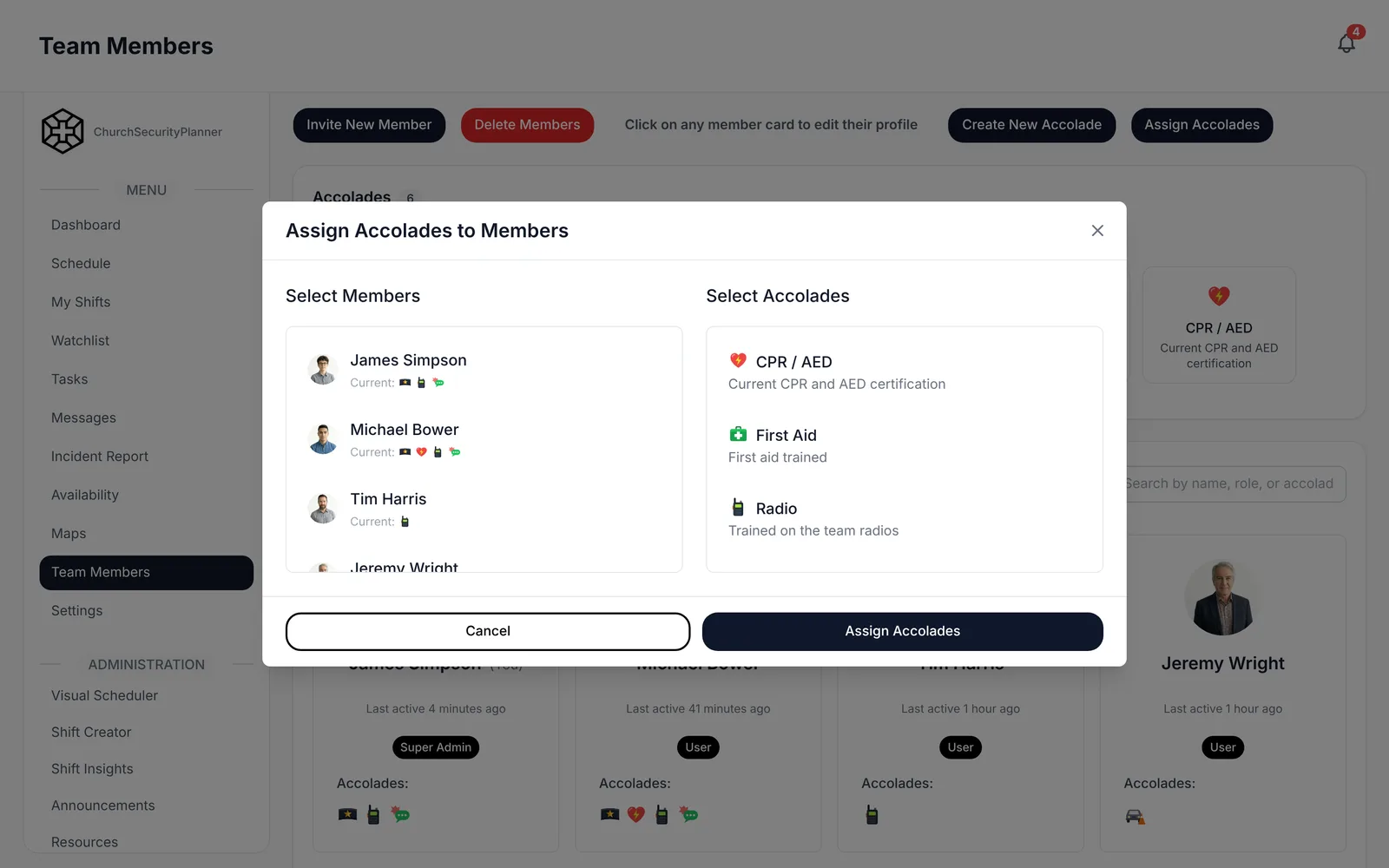
In ChurchSecurityPlanner, admins record accolades, which are the trainings and certifications a volunteer holds. A role on a shift can require an accolade, so the schedule shows which volunteers hold it for a post.
ChurchSecurityPlanner does not run background checks. It can keep the record: an admin can attach the completed check to the volunteer's profile as a file, and your church can create its own accolade, such as "Background check," and give it to each volunteer who has one.
Church Security Team Roster Template
Copy this into a document or print the page, then fill in the blanks. Make one line for each person on a post.
This is an example to adapt to your church.
- Team lead or coordinator: [Name] | [Backup] | [Where they are during the service] | [Contact]
- Shift lead: [Name] | [Backup] | [Post] | [Contact]
- Door team: [Name] | [Backup] | [Which door] | [Contact]
- Parking lot: [Name] | [Backup] | [Section of the lot] | [Contact]
- Sanctuary or floor: [Name] | [Backup] | [Area of the room] | [Contact]
- Children's area, per church policy: [Name] | [Backup] | [Area] | [Contact]
- Medical responder: [Name] | [Backup] | [Post and kit location] | [Contact]
- Communications: [Name] | [Backup] | [Post] | [Contact]
Each line follows the pattern [Role] [Name] [Backup] [Post] [Contact]. Fill in the backup for every role, not only the important ones.
Then use the same list to build the schedule, as described in the church security team schedule template.
Keep the Roles Alive
A roster that nobody reads is just a piece of paper. Review it every few months, and update it when someone joins, leaves or changes jobs.
After an incident, check whether the roles worked or whether something fell between two people. Use the church incident report template to capture what happened, and adjust the roles based on what you learn.
Trenton J. Reagan is the founder of ChurchSecurityPlanner, a former youth pastor and church security team member. He was trained in church protection protocols by law enforcement and military professionals and has a lifelong background in firearms training and tactical preparedness. ChurchSecurityPlanner was built in response to a direct request from his father, Pastor Clint Reagan of Calvary Chapel Knoxville — a congregation of 5,000 — who needed a comprehensive tool to manage his security teams.