
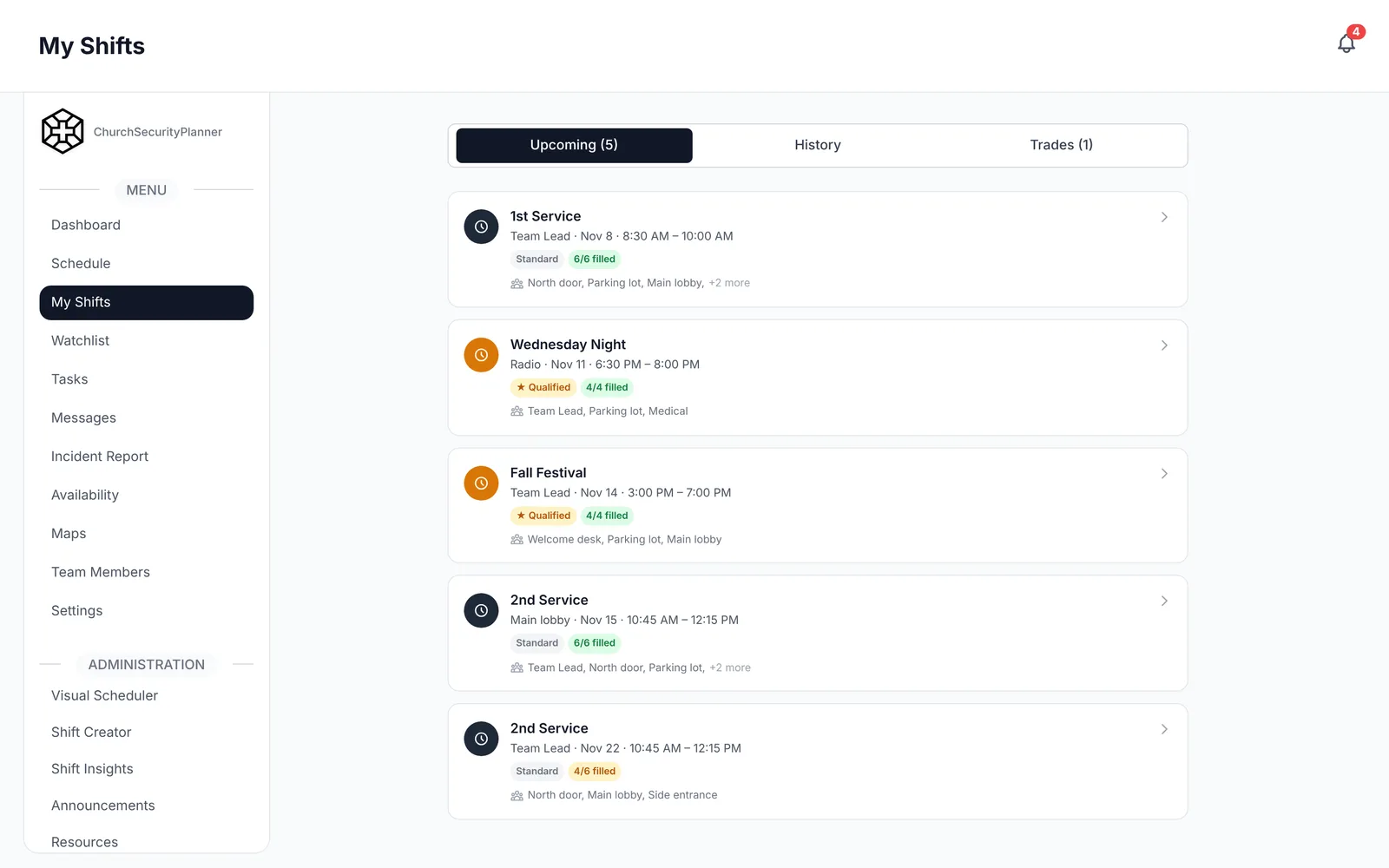
A schedule that lives in a group text works until the one person who keeps it gets sick. Then nobody knows who is on the door.
This guide shows how to build a rotation for a church safety team, with a fill-in weekly template you can copy. It pairs well with the church security team roles guide, because you cannot schedule posts until you know what they are.
Start With the Posts
List every post you want covered at each service. Typical posts are the main doors, the parking lot, the sanctuary, the children's area per church policy and a medical responder.
Services differ. A Sunday morning with children's classes needs more posts than a Wednesday evening Bible study, so write a separate list for each.
Walk the building with a team lead and decide what is truly needed. Be honest about what your volunteers can sustain, and start with fewer posts rather than more.
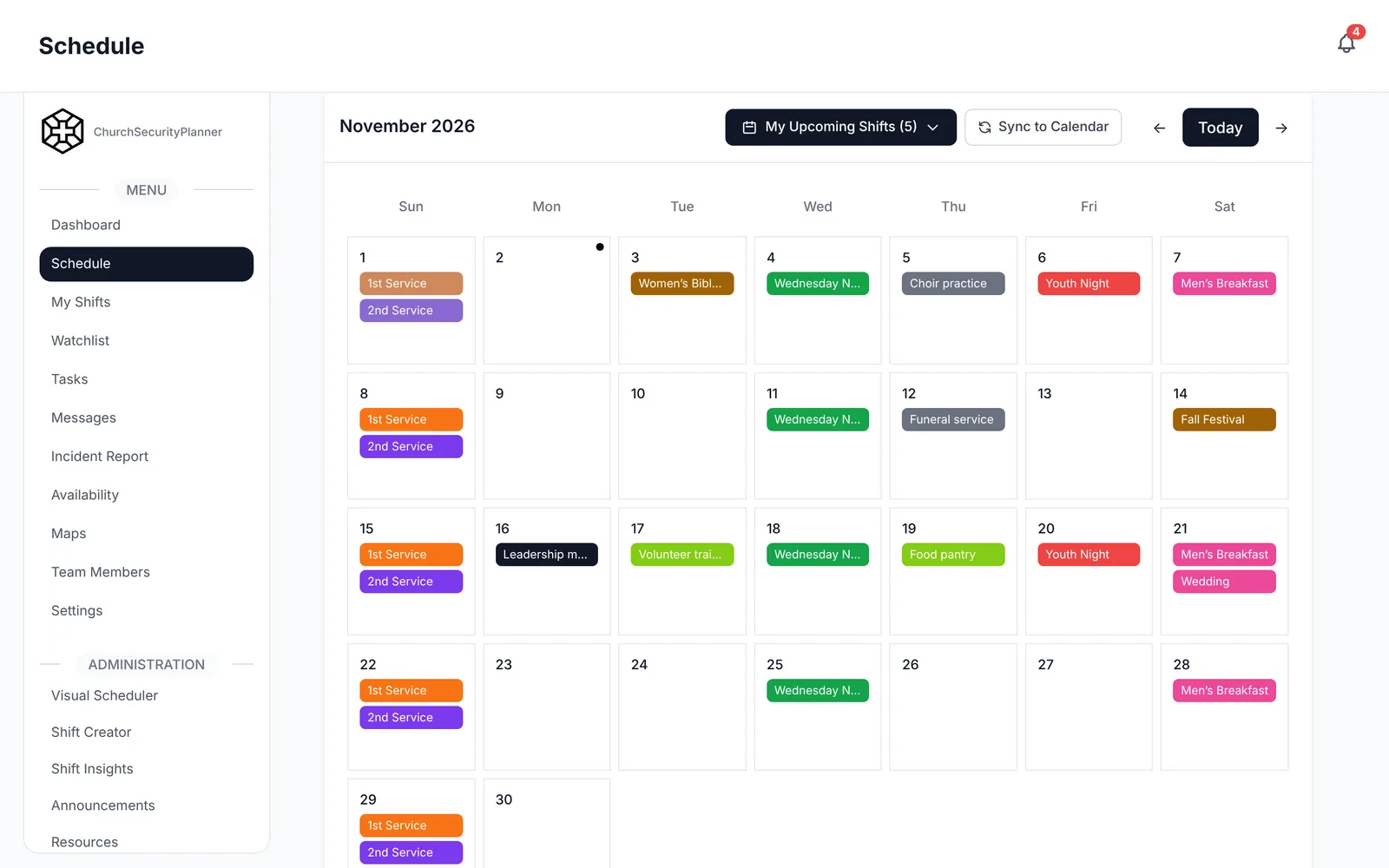
In ChurchSecurityPlanner, services show on a month calendar with the volunteers who cover them.
How Many Volunteers Per Post
Most posts need one person. A busy entrance or a large lot may need two.
Add a backup for each post. A backup is not a second person standing there. It is a named volunteer who agrees to step in if the first person cannot come.
Count the total slots, then count your volunteers. If you have fewer than three volunteers per slot, expect trouble within a few months.
Rotation Frequency and Burnout
Burnout is the quiet killer of volunteer teams. People who serve every Sunday miss worship, family and rest.
Here are some patterns that work:
- Serve one Sunday in three or four, and attend worship freely the others.
- Rotate posts as well as weeks, so no one is stuck at the far door forever.
- Give each person a month off a year, with no guilt.
- Keep the team lead off the regular rotation when possible, so they can float.
Ask your volunteers what pace feels right. The answer will differ from person to person.
Watch for the volunteer who never says no. That person is the most likely to burn out quietly, so check in with them and give them a break before they ask for one.
Also think about holidays and school breaks. Attendance and availability both change, so build those weeks in advance rather than scrambling.
Swap Rules and a Deadline
People will need to swap. Plan for it instead of fighting it.
- A volunteer who cannot serve finds a replacement or asks the team lead.
- The replacement must be qualified for that post, if the post needs training.
- Set a swap deadline, for example 48 hours before the service, after which only the team lead can change the schedule.
- The team lead records every change, so the schedule always shows who is actually there.
The deadline matters most. Without it, the Sunday morning phone tree starts at 8 a.m.
Allow one exception: a real emergency, like a sick child or a car that will not start. In that case the volunteer tells the shift lead directly, and the backup steps in.
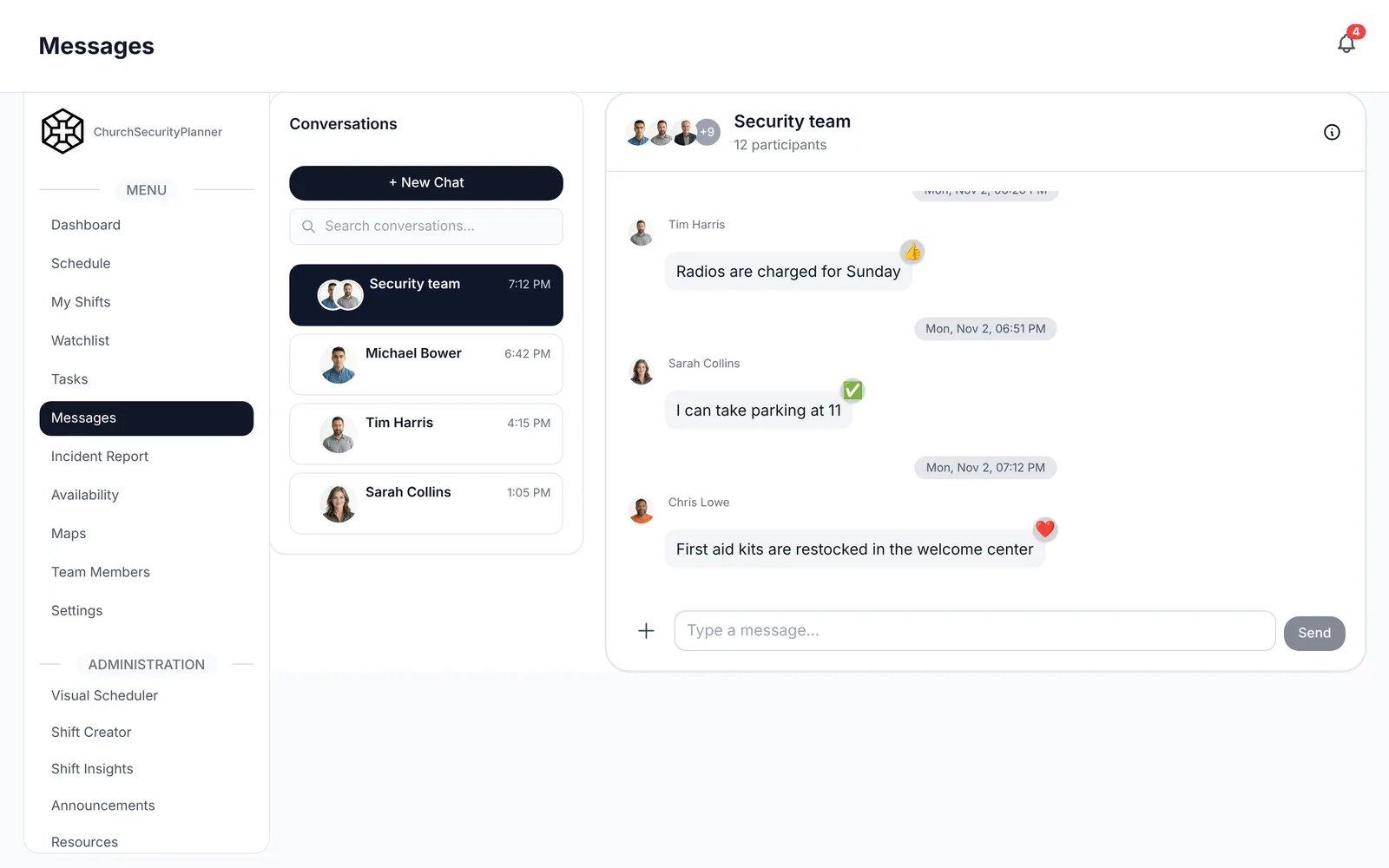
In ChurchSecurityPlanner, team messaging works for direct and group conversations, with push notifications, so a late change reaches people fast.
Once the schedule is set, hold a short meeting each quarter. Ask what is working, which posts feel too long, and whether anyone wants to change roles.
Write these rules down and share them when someone joins. A rule nobody knows is not a rule.
Church Security Team Weekly Schedule Template
This is an example to adapt to your church.
Copy this into a document or print the page. Make one block for each service, and fill in the blanks.
- [Service and time]
- [Main entrance]: [Name], [Backup]
- [Side entrance]: [Name], [Backup]
- [Parking lot]: [Name], [Backup]
- [Sanctuary or floor]: [Name], [Backup]
- [Children's area, per church policy]: [Name], [Backup]
- [Medical responder]: [Name], [Backup]
- [Shift lead]: [Name], [Backup]
- [Next service and time]
- [Post]: [Name], [Backup]
- [Post]: [Name], [Backup]
Add the date at the top and the swap deadline at the bottom. Post the finished schedule where every volunteer can see it.
Collect Availability First
Build the schedule from what people tell you they can do, not from what you hope they can do.
Ask every volunteer for the dates they cannot serve, the services they prefer and any posts they would rather avoid. Collect this every quarter, because life changes.
In ChurchSecurityPlanner, volunteers enter their own availability, and admins build shifts and assign people from it. Volunteers can request swaps in the app, so the schedule stays accurate and the team lead is not the middleman for every change.
Keep a short list of people who are willing to fill in on short notice. Even two or three names make a missed shift a small problem instead of a crisis.
Reminders Keep the Team Showing Up
Even good volunteers forget. A short reminder a few days ahead, and another the day before, cuts no-shows more than any speech.
Keep reminders brief. Say the service, the post and the time to arrive. Send them from a single source so people trust them.
If your team still uses group texts, move the schedule and the reminders to a shared tool. The church security team software guide compares the options.
When the schedule changes, tell everyone who is affected at once. A quiet change is how two people end up at the same door.
Trenton J. Reagan is the founder of ChurchSecurityPlanner, a former youth pastor and church security team member. He was trained in church protection protocols by law enforcement and military professionals and has a lifelong background in firearms training and tactical preparedness. ChurchSecurityPlanner was built in response to a direct request from his father, Pastor Clint Reagan of Calvary Chapel Knoxville — a congregation of 5,000 — who needed a comprehensive tool to manage his security teams.