
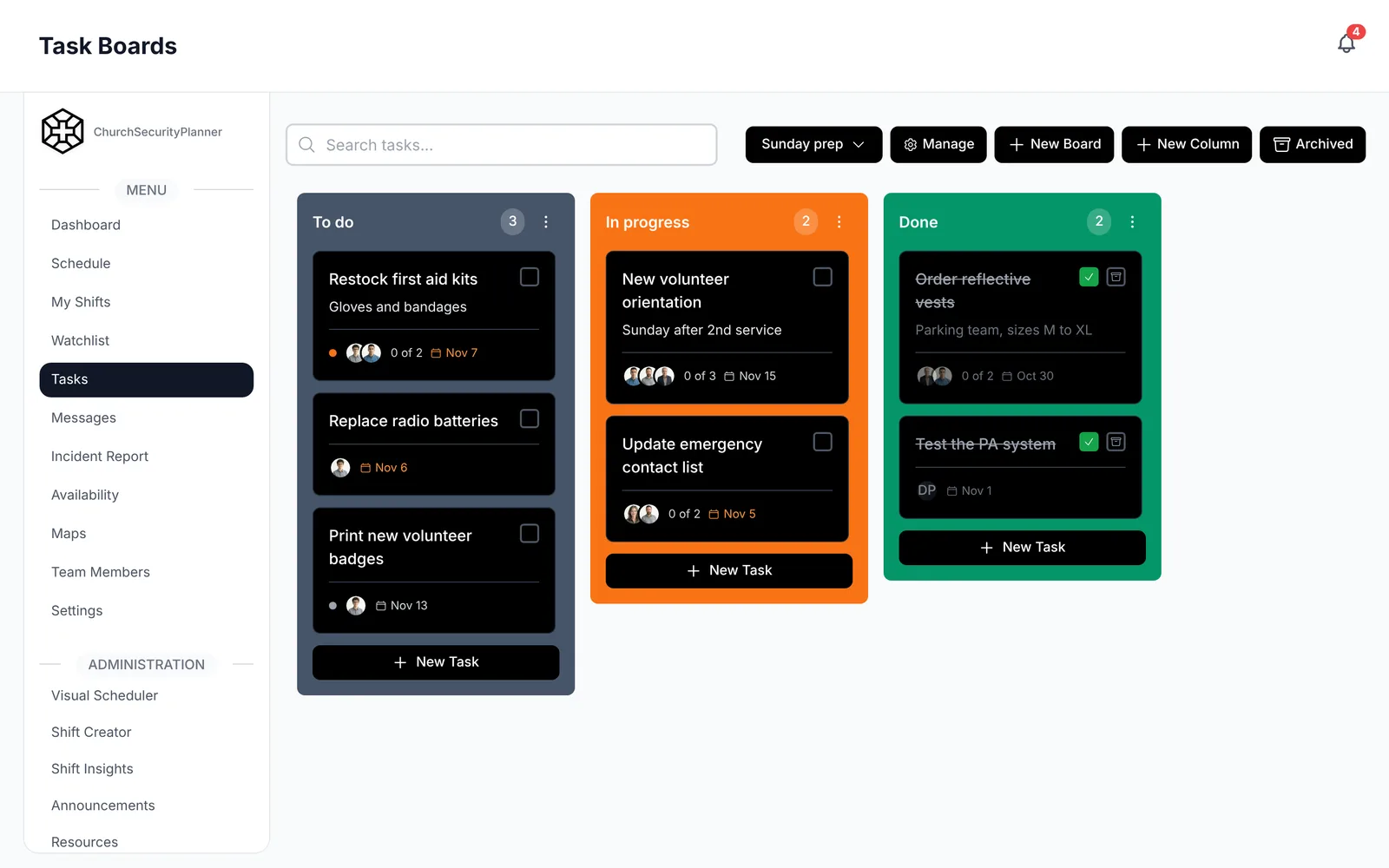
Policy and procedure are different things
Most church safety teams I have talked to use the two words as if they mean the same thing. They do not, and mixing them up makes both documents worse.
A policy says what the team does and why. Church leadership approves it. It changes rarely.
A procedure says how, step by step, and who does each step. The safety team lead usually writes it with input from the volunteers, and it changes whenever you learn something.
For example, a policy might say that the team responds to medical emergencies and calls 911 first. The procedure lists each step, who clears the path and who meets EMS at the door.
Keep your written procedures basic and short. We discourage unnecessarily detailed, numerous or lengthy written procedures, because a step a team writes down and then does not follow can be used against the church in court. Write what your team will actually do, and leave out the rest.
Policies most teams write down
You do not need all of these on day one. Start with the ones your team argues about or keeps explaining out loud. Each can be a half page.
Team membership and screening
Say who can serve on the team, how someone joins and who approves them. Screening is the church's decision, so write down whatever your leadership decides. Talk to your insurer and to an attorney licensed in your state before you finalize it.
ChurchSecurityPlanner does not run background checks. It can keep the record: an admin can attach the completed check to the volunteer's profile as a file, and your church can create its own accolade, such as "Background check," and give it to each volunteer who has one.
Conduct and confidentiality
Write down how volunteers treat guests and each other. Include what stays inside the team: names on the watchlist, details of an incident, anything about a member's health or family.
Communication
Say how the team talks during a service, who speaks to the congregation and who speaks to pastors and church leadership. Name the channel the team uses so volunteers are not guessing between a group text, a radio and a messaging app.
Medical response
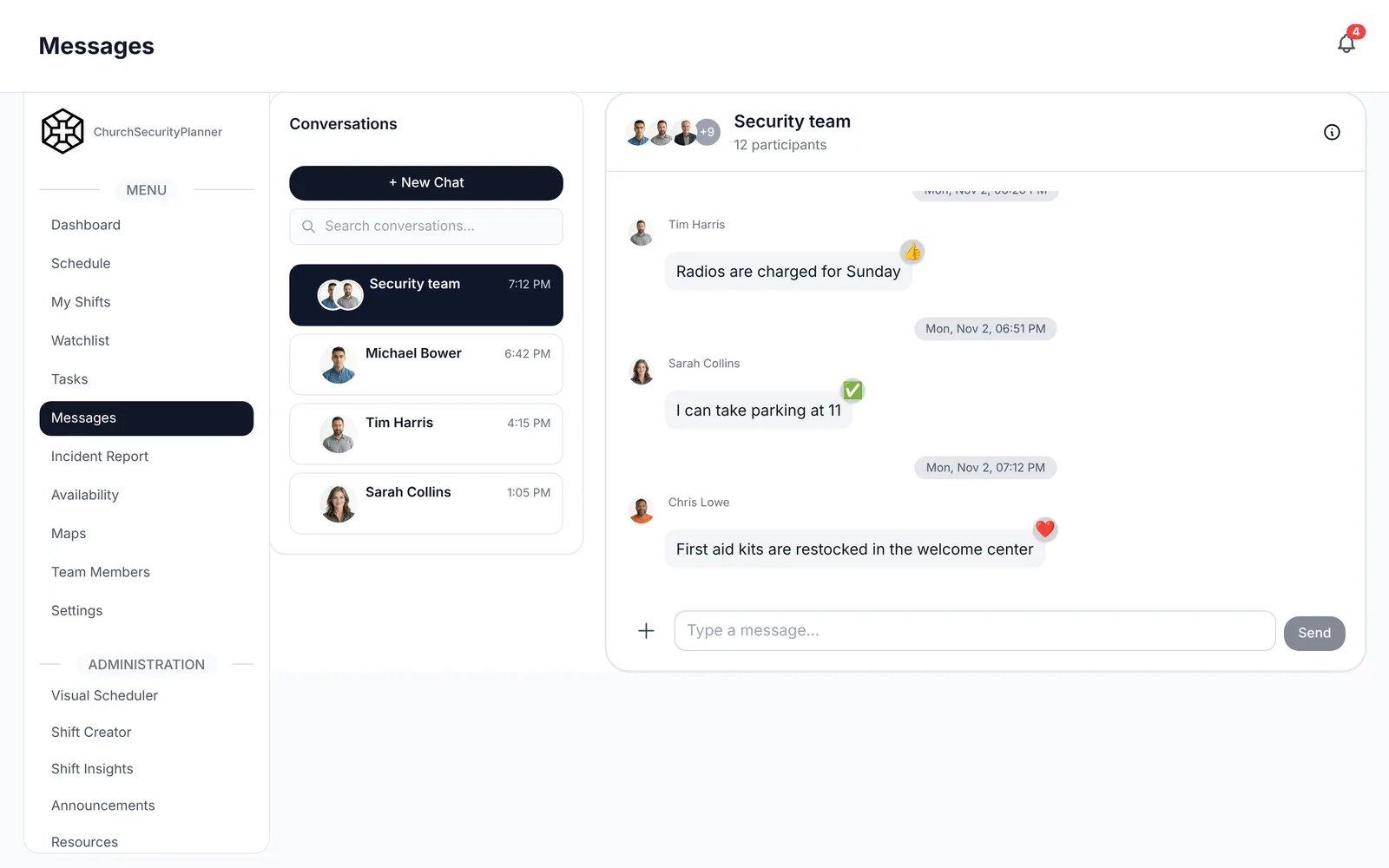
State that the team responds to medical needs, that 911 is called first and who holds first aid or AED training. Keep the policy short and put the steps in a procedure.
Incident reporting
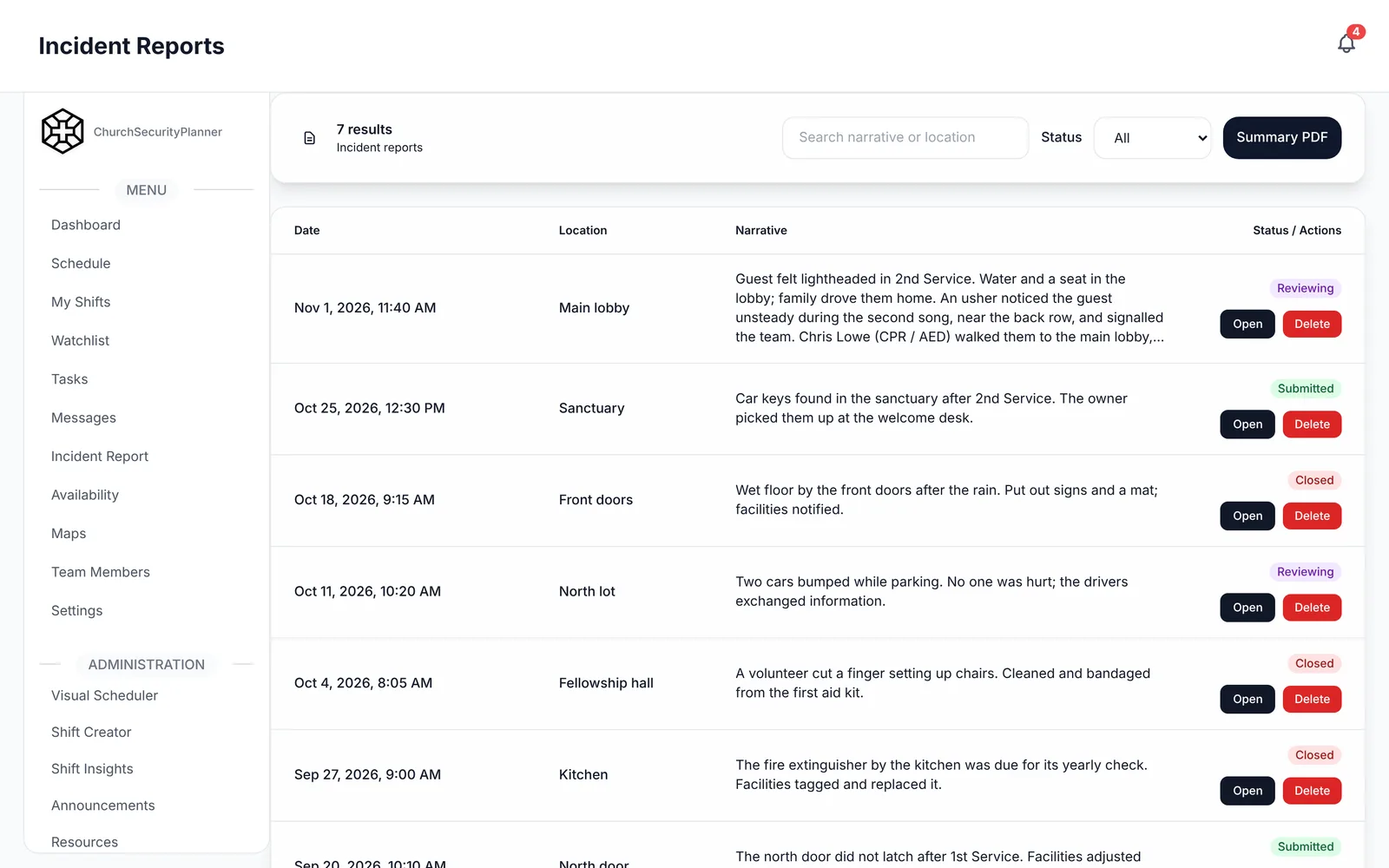
Say that every incident gets a written report, who receives it and by when. A same-day deadline is a common choice. The incident report template shows what the report should capture.
In ChurchSecurityPlanner, an incident report holds attachments and comments, has a status and keeps a follow-up trail.
Use of the watchlist for persons of concern
If your team keeps a list of persons of concern, write down who may add someone, what reason is acceptable and who can see the list. Decide how long a name stays and who reviews it. Keep it to facts and observed behavior.
The list should hold adults and free-text notes only. Share it with team members who need it, not the whole congregation.
Training expectations
List what each volunteer completes before serving and what is renewed each year. Name who keeps the records, and say where they are kept.
In ChurchSecurityPlanner, accolades record a volunteer's trainings and certifications, and a role on a shift can require one.
A short procedure example
This is an example to adapt to your church.
Here is how a procedure reads when it is written step by step. This one covers a medical emergency during a service. Adapt every step to your building.
Procedure: medical emergency during a service
- Anyone who sees a person in distress tells the nearest team member and stays with the person.
- The team member calls 911 first, gives the address and the exact room, and stays on the line.
- The team member messages the safety lead: "Medical, [location]."
- The medical responder goes to the person, with the kit and AED if the person is unresponsive.
- A second volunteer goes to [the door EMS will use] and waits.
- Others clear a path, move onlookers back and keep exits open.
- The lead tells the pastor, who decides whether to pause the service.
- After EMS arrives, a volunteer shares what happened, and the person's family is told by a pastor or staff member.
- The lead writes the incident report the same day.
Notice that each step has one person doing it. That is what makes a procedure usable when you are nervous.
How leadership approves and reviews them
Policies should not live only in the safety lead's head. Have the pastor, elders, deacons or board read them and sign off, and write the date at the top.
Procedures can be approved by the safety lead and the pastor together. Keep the approval light so they actually get updated.
Review everything once a year, and after any real incident. Ask three questions: did we follow it, did it work and what do we change?
Talk to your insurer and to an attorney licensed in your state. I am not a lawyer, and nothing here is legal advice.
Where to keep them
Keep one current set where every volunteer can open it. That might be a shared folder, a printed binder at the safety table or the resource library in ChurchSecurityPlanner. Whatever you pick, remove old versions.
In ChurchSecurityPlanner, the approved policies sit in your team's resource library, so a volunteer can open them on their phone.
When something changes, tell the team. A short announcement with what changed and the date works better than hoping people reread the whole document.
If you are also writing the broader plan, the church security plan template gives you an outline. For defining who does what, see church security team roles.
Trenton J. Reagan is the founder of ChurchSecurityPlanner, a former youth pastor and church security team member. He was trained in church protection protocols by law enforcement and military professionals and has a lifelong background in firearms training and tactical preparedness. ChurchSecurityPlanner was built in response to a direct request from his father, Pastor Clint Reagan of Calvary Chapel Knoxville — a congregation of 5,000 — who needed a comprehensive tool to manage his security teams.