
What an Emergency Action Plan Is
An emergency action plan is a short document that says who does what when something goes wrong at your church. It answers the questions people ask in the first minute: who calls 911, where do we go, who has the children?
Churches also call it an emergency response plan, a crisis response plan or a crisis management plan. The names differ. The job is the same.
Who Writes It
Usually the safety team lead writes the first draft. Your pastor or church leadership reads it and approves it, so the team acts with the church behind it.
Ask your children's ministry director to help with the evacuation section.
I served on church security teams, and the plans that worked were short. A page of names, phone numbers and meeting places beats a binder nobody has opened.
This plan sits under your larger church security plan. For the wider picture, see the church security planning guide.
How to Use the Template
Copy the sections below into a document you can edit and print. Each one has [bracketed] fields to fill in.
This is an example to adapt to your church.
Fill in what you know and mark the rest "to decide." Then walk the plan with your team, because gaps show up fast when you read it aloud.
Do not try to plan for every possible event. Start with the ones most likely at your church, such as a medical call on a Sunday morning, and add sections as your team grows more comfortable.
Keep the language plain. A volunteer reading the page under stress should find a name, a phone number and a place within a few seconds.
Church Emergency Action Plan Template
1. Contacts and who calls 911
- Emergency services: 911. Person who calls: [name], backup [name].
- Our address to give the dispatcher: [street address and city].
- Safety team lead: [name], [phone]. Backup: [name], [phone].
- Pastor or staff contact: [name], [phone].
- Others: [facilities, children's ministry director].
2. Medical emergency
- Call 911 first. [Name] tells [team lead] where the person is.
- [Name] meets EMS at [door] and keeps the path clear.
- First aid kit and AED are at [location]. [Name] brings them.
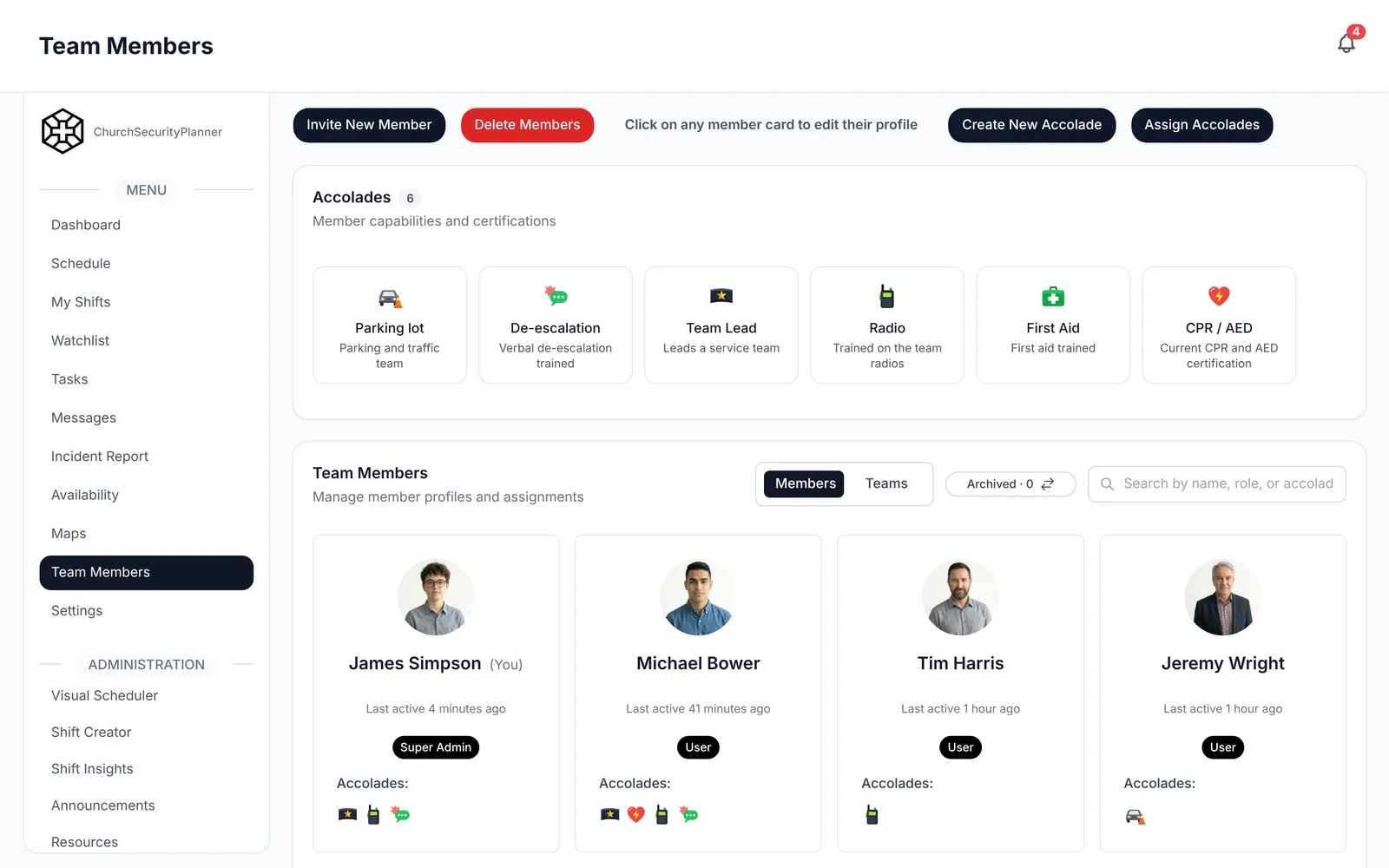
- Trained volunteers who stay with the person: [names].
3. Fire
- Call 911. [Name] pulls the fire alarm at [location].
- People leave by [exits by room or wing] and gather at [location].
- [Names] check [restrooms and classrooms] on the way out, if safe.
4. Severe weather
- [Name] watches the forecast during services, using [source].
- Shelter location: [room or area]. [Name] decides when to move people.
- Who guides children and anyone who needs help: [names].
5. Evacuation and reunification
- Primary exit routes: [list]. Outdoor meeting point: [location]. Backup: [location].
- Children's ministry check-out during an evacuation: [per church policy].
- Families reunite with children at [location], run by [name].
- [Name] takes attendance of volunteers and staff.
6. A threat on site
- Call 911. [Name] calls, backup [name].
- Follow the instructions of law enforcement.
- Our plan names who calls: [name]. Where people go: [location].
7. Communication during and after
- The team reaches each other through [app, group, radio].
- [Name] speaks to the congregation, if needed, from [location].
- [Name] contacts the pastor and church leadership.
- [Name] handles outside questions, including the press.
- After the event, [name] updates the congregation by [email, announcement, service].
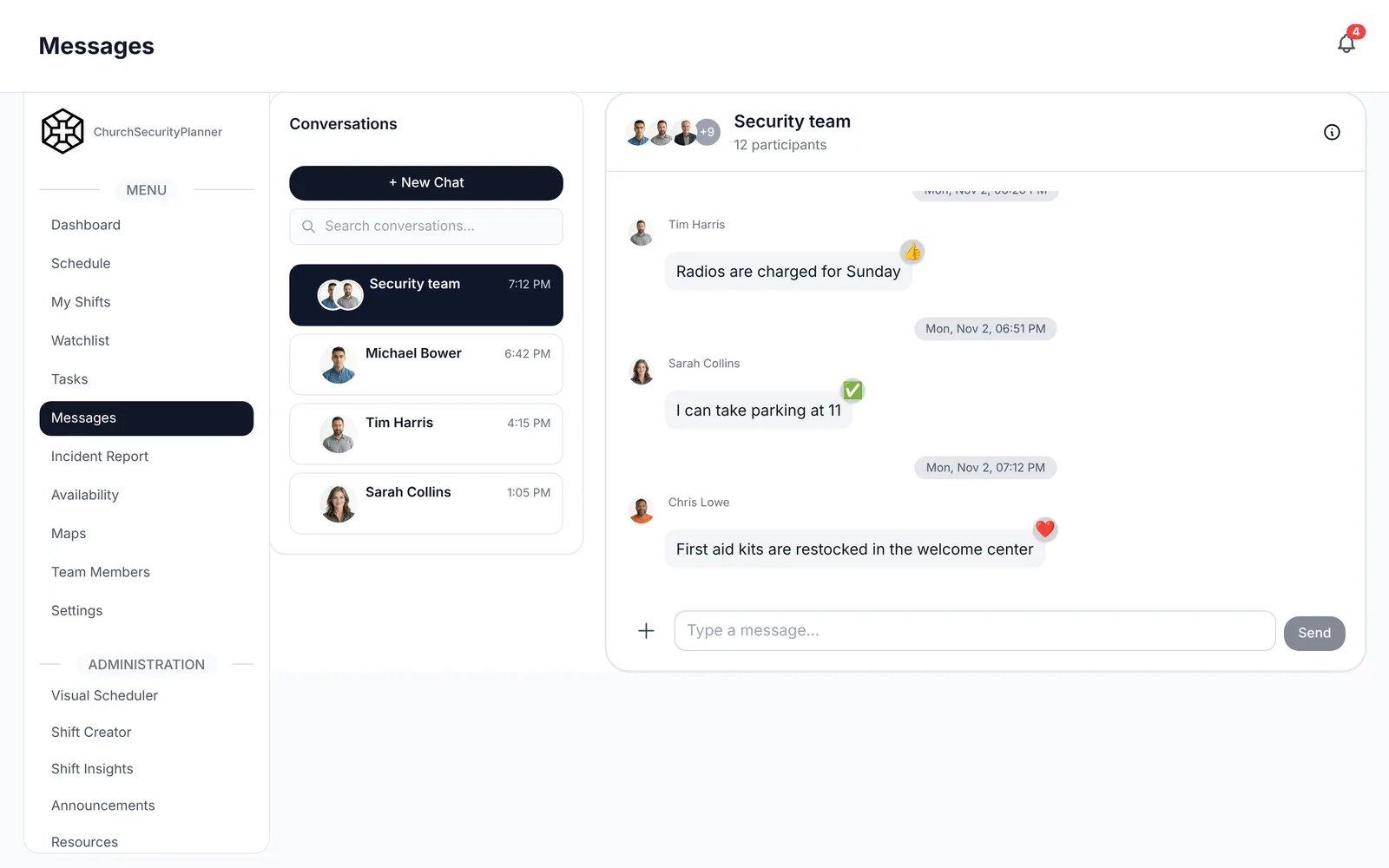
In ChurchSecurityPlanner, team messaging covers direct and group conversations, with push notifications.
8. After-action review
- Within [number] days, the team meets to review what happened.
- A written incident report is filed by [name] by [date].
- Changes to this plan are assigned to [name], due [date].
- Last reviewed: [date]. Next review: [date].
Why the Threat Section Is Short
You will notice the section on a threat on site is brief. That is on purpose. Call 911 and follow law enforcement's instructions. Your plan names who calls and where people go.
Keep it to those three things.
Practice and Review
A plan nobody has rehearsed is a guess. Walk the team through each section a couple of times a year, and walk through the medical, fire and weather sections first.
Review the plan at least once a year and after any real incident. Change the master copy, tell the team and remove old printed copies.
After any event, write it up while it is fresh. Our incident report template shows what to capture, and your safety team policies should say who reads the report.
Keep It Where Volunteers Can Find It
A plan in a locked office does not help a volunteer at the side door. Keep one current master copy that every team member can open on a phone, and print a short copy for the medical kit.
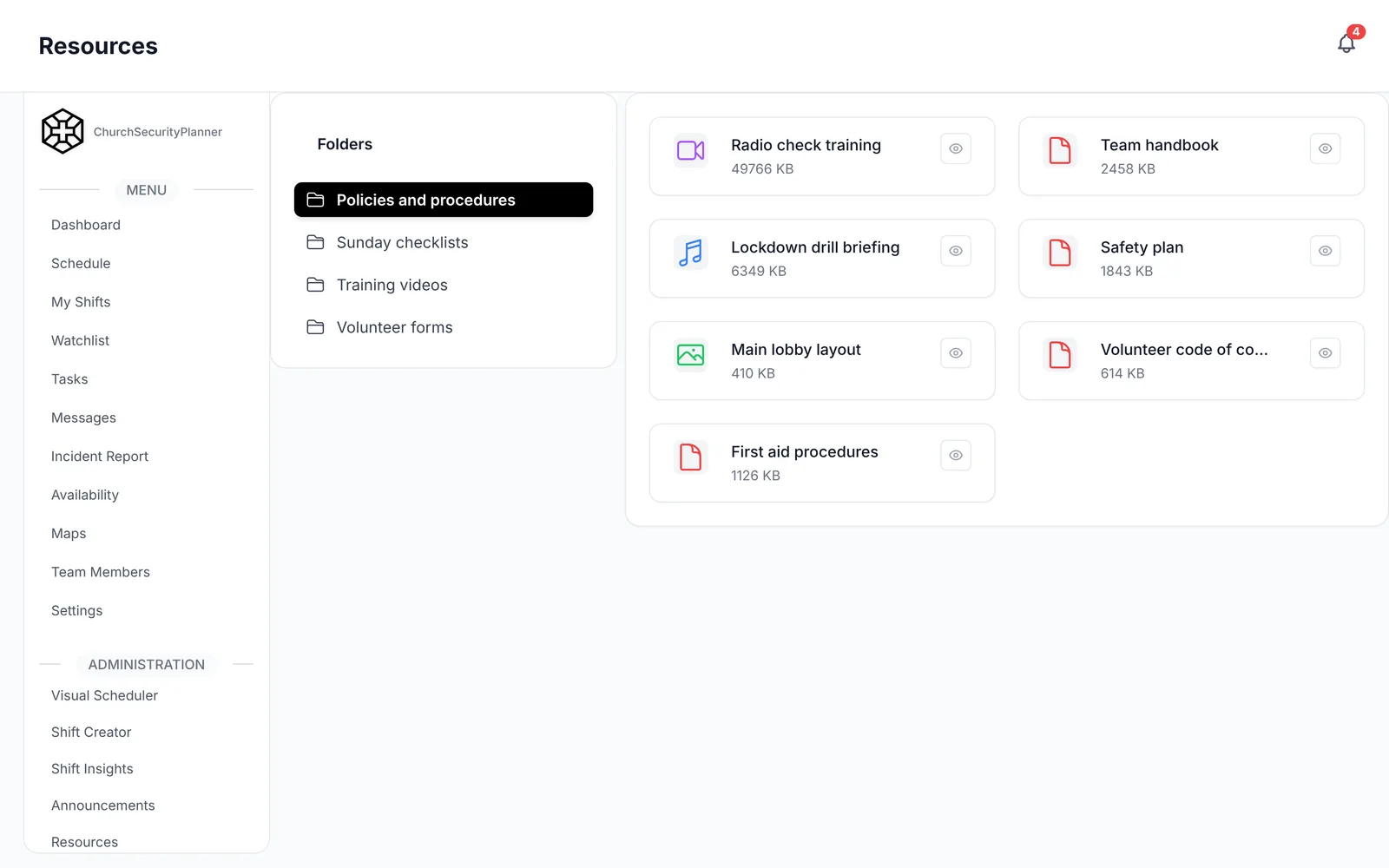
In ChurchSecurityPlanner, the plan sits in your team's resource library, so a volunteer can open it on their phone.
Make sure the people named in the plan know they are named. Read each volunteer their part, and check that their phone number is right.
Trenton J. Reagan is the founder of ChurchSecurityPlanner, a former youth pastor and church security team member. He was trained in church protection protocols by law enforcement and military professionals and has a lifelong background in firearms training and tactical preparedness. ChurchSecurityPlanner was built in response to a direct request from his father, Pastor Clint Reagan of Calvary Chapel Knoxville — a congregation of 5,000 — who needed a comprehensive tool to manage his security teams.