
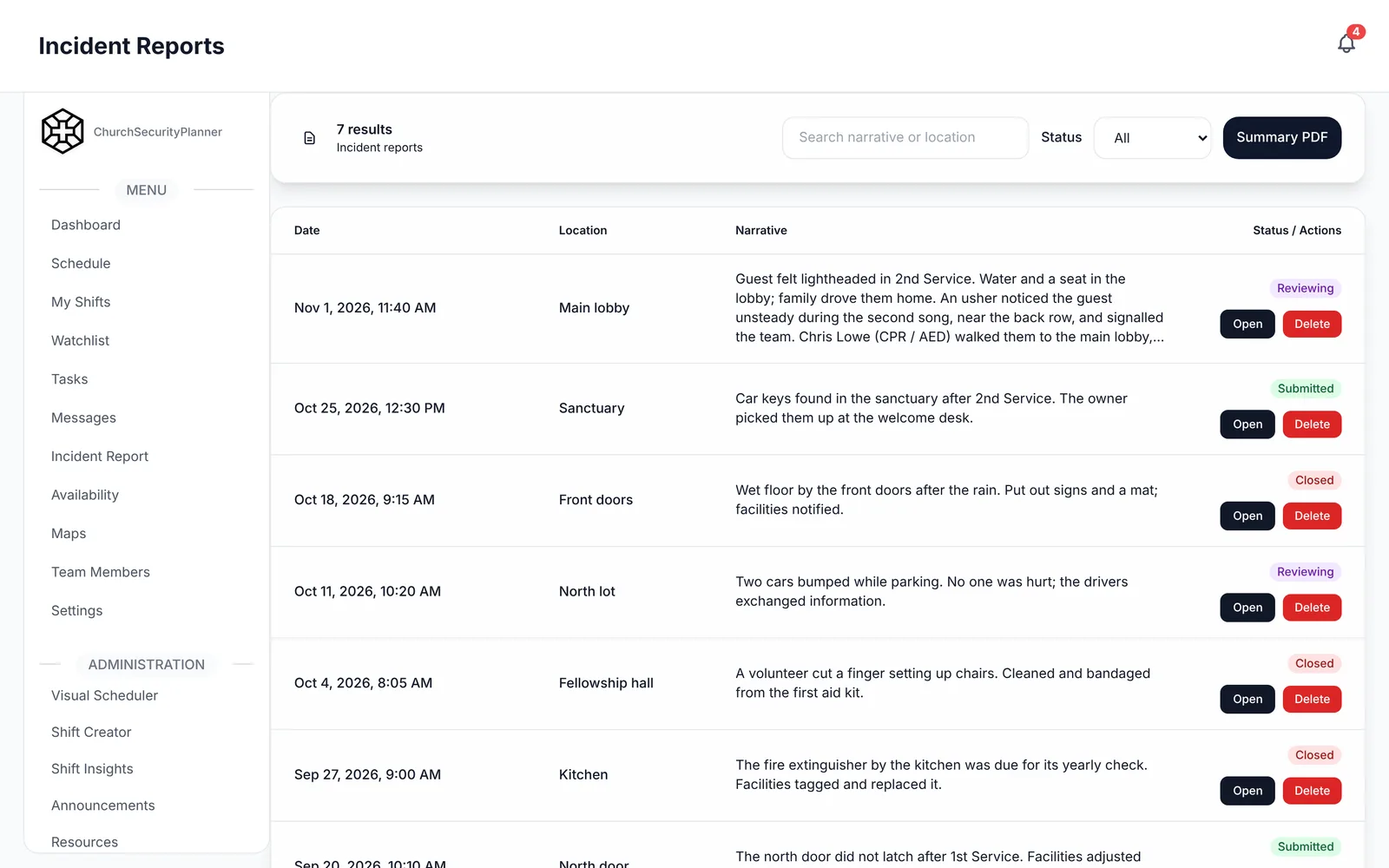
After any incident at church, someone should write it down. A fall in the foyer, a heated argument in the parking lot, a lost child found a few minutes later: all of them count.
This guide explains what a church incident report should capture and gives you a fill-in template to copy. Your church sets its own policies, so adapt the fields to fit.
Why Write the Report the Same Day
Memory fades fast. By Wednesday, three people will remember the same Sunday three different ways.
A report written the same day holds the details while they are fresh: the time, the place, who was nearby, what you saw. It also gives your leadership one shared version to work from, instead of hallway stories.
Keep it short. A plain page written on Sunday afternoon beats a perfect one that never gets written.
Decide ahead of time who writes the report. Usually it is the person who handled the incident, with the shift lead checking that it was done. When the answer is "someone should," nobody does it.
Write a report for the small things too. A near miss, such as a child who wandered toward the parking lot, tells you where a gap is before it becomes a bigger problem.
What a Church Incident Report Should Capture
Facts, Not Opinions
Write what you saw and heard. Leave out what you think it means.
"He raised his voice and pointed at the usher" is a fact. "He was angry and out of control" is an opinion. If you must record what someone said, put it in quotation marks.
Who, What, When and Where
- Who: the people involved and the people who saw it.
- What: what happened, in order.
- When: the date, and the time it started and ended.
- Where: the specific spot, such as the north entrance or the lot beside the fellowship hall.
People Involved, Described Factually
Describe people by what you can observe: approximate age, height, clothing, and anything they said or did. Do not guess at motives, background or history.
If someone is a member, you can write their name. If you do not know a person, a plain description is enough.
Actions Taken
Record what your team did and in what order. Note who did it, so the team lead can fill in any gaps later.
Emergency Services and Injuries
Say whether 911 or EMS was called, who called, and when. Record any injuries and what first aid was given.
Call 911 first when someone is hurt or in danger. The report comes after, never instead.
Follow-Up Owner
Every report needs one name next to the follow-up. A report with no owner is just a record that something went wrong.
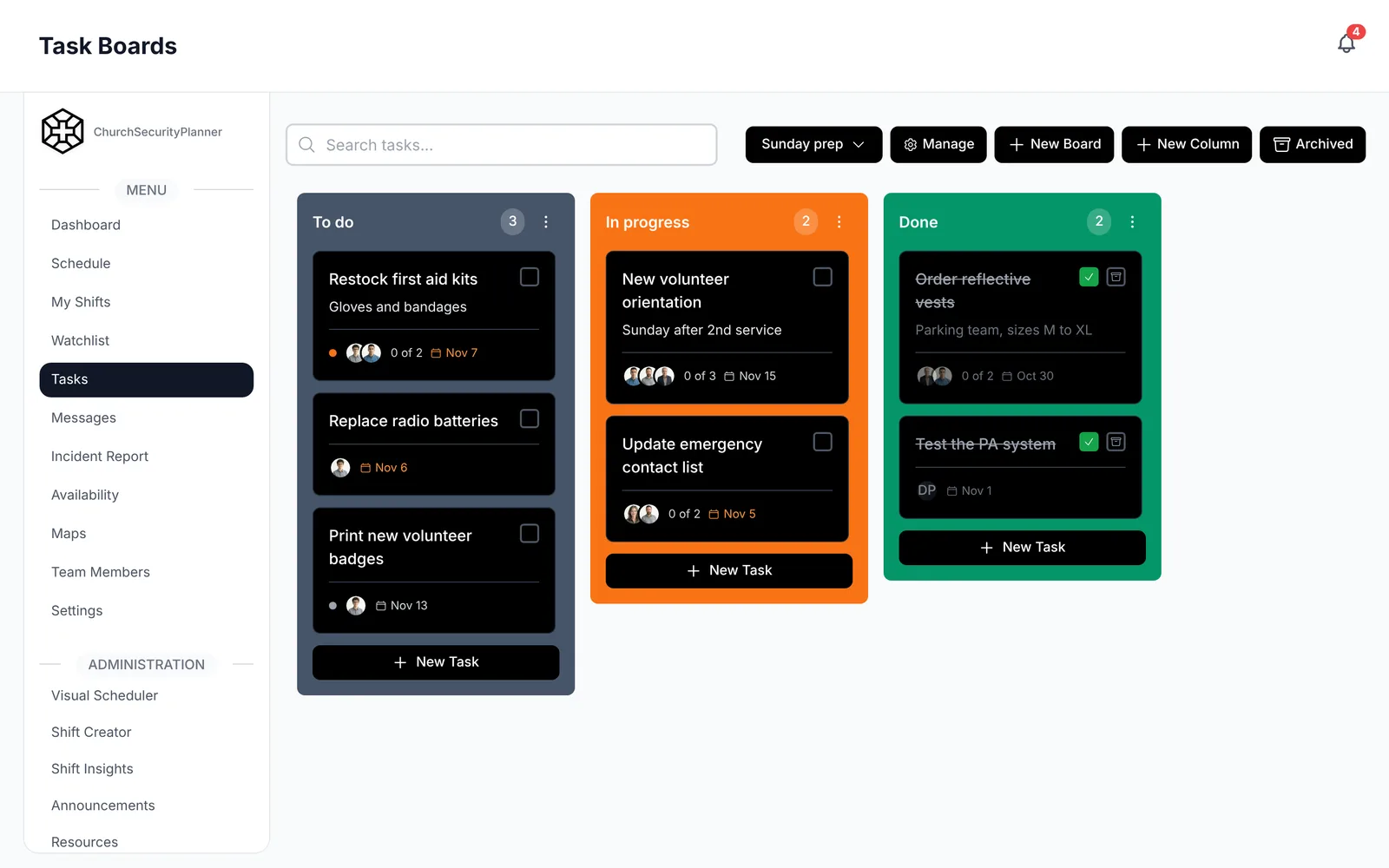
In ChurchSecurityPlanner, incident reports carry attachments and a follow-up trail. Each report has comments and a status, so the team can see where it stands.
Church Incident Report Template
This is an example to adapt to your church.
Copy these fields into a document or print the page. Fill in the blanks the same day.
- Date of incident: [Date]
- Time started and ended: [Start time] to [End time]
- Location: [Specific place on the property]
- Report written by: [Name], [Role], [Phone]
- Type of incident: [Medical, disruption, property, vehicle, missing person, other]
- What happened, in order: [Facts only]
- People involved, described factually: [Name or description], [What they did]
- Witnesses: [Name], [Contact]
- Actions taken, and by whom: [Action], [Name]
- 911 or EMS called: [Yes or No], [Who called], [Time]
- Injuries and first aid given: [Description]
- Photos, video or other attachments: [List]
- Follow-up needed: [Task]
- Follow-up owner and due date: [Name], [Date]
- Reviewed by: [Name], [Date]
Fill in the template even when the facts feel obvious. A year from now, nobody will remember which door it was or who was on duty.
Handling Sensitive Details
Incident reports can include names, medical details and notes about people in a hard moment. Treat them with care.
Church leadership decides who can see reports. Many churches limit them to the team lead and a pastor or elder. Decide that before the first report is written, and put it in your safety team policies and procedures.
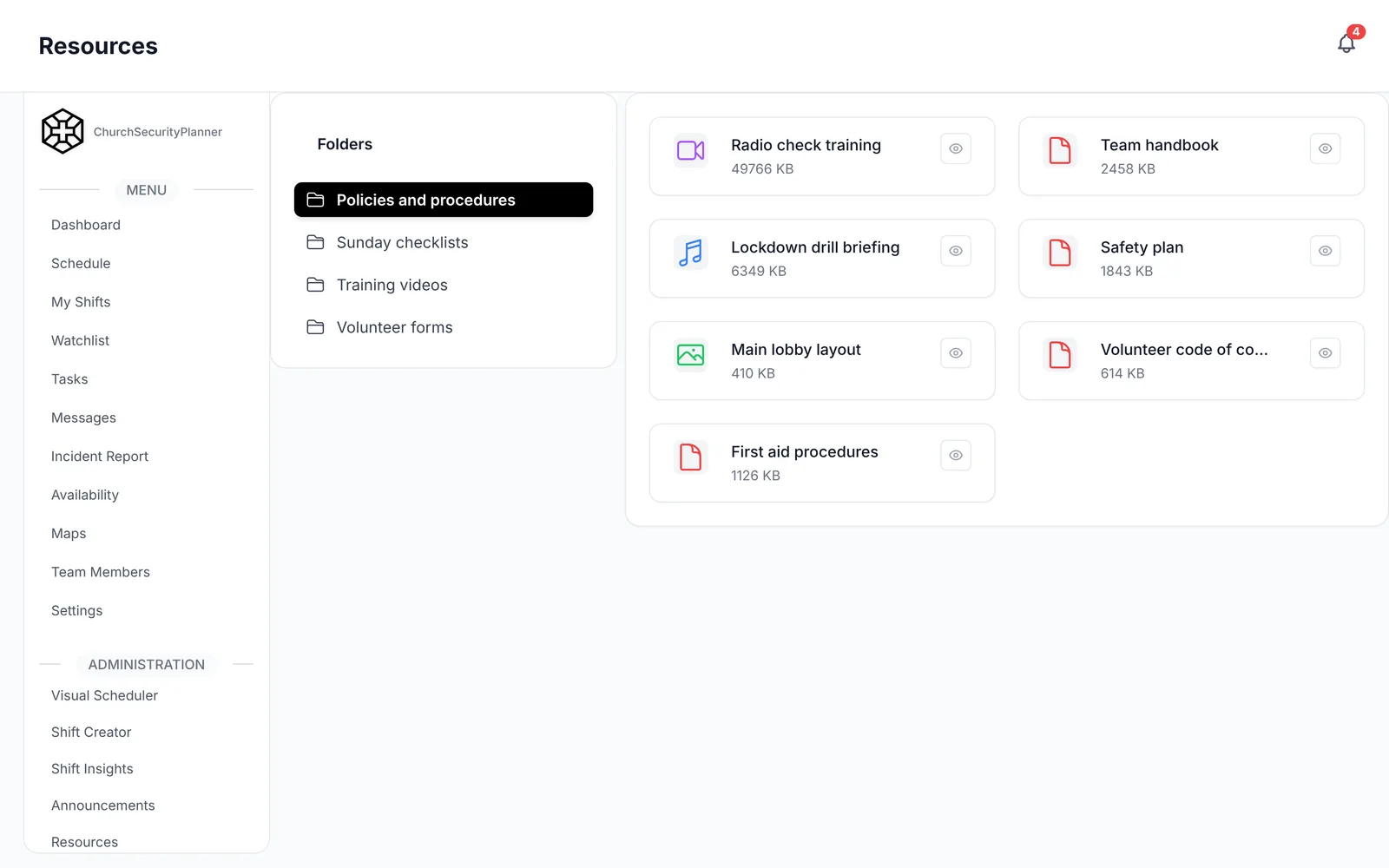
In ChurchSecurityPlanner, written plans and documents sit in the resource library, so your team can open them on a phone.
Two habits help. Share a report only with the people who need it, and keep talk about it out of group texts.
If an incident involves possible harm to a child, follow your church's own policy. Talk to an attorney licensed in your state, and talk to your insurer.
Review and Follow-Up
Writing the report is half the job. The other half is what happens next.
- Review new reports at your next team meeting, and keep the discussion on the facts.
- Ask what could change: a door, a post, a schedule, a rule.
- Assign each follow-up to one person with a due date.
- Close the report when the follow-up is done, and note how.
Tell the people involved what you decided, when it is appropriate. Someone who reported a problem and never heard back will stop reporting.
Look back over several reports a few times a year. Patterns show up that no single report shows, such as the same door or the same time of day. That is a good place to start improving your church security checklist.
Trenton J. Reagan is the founder of ChurchSecurityPlanner, a former youth pastor and church security team member. He was trained in church protection protocols by law enforcement and military professionals and has a lifelong background in firearms training and tactical preparedness. ChurchSecurityPlanner was built in response to a direct request from his father, Pastor Clint Reagan of Calvary Chapel Knoxville — a congregation of 5,000 — who needed a comprehensive tool to manage his security teams.