
Why Communication Is the Job
Most of what a church safety team does on a Sunday is small. A child needs a parent. Someone feels faint in the third row. A door needs a person.
Every one of those depends on one thing: the right person hears about it quickly. I served on a church security team, and the weeks that went well were the weeks the team could reach each other without effort.
This guide covers how a team stays in touch during a service, the choice between radios and phones, and what to do afterward. It sits under your larger church security plan, and it pairs with the communication section of your emergency action plan.
A team that is small and steady can get by on habit. A team that grows, adds a second service or rotates volunteers needs a written way to talk, so the habit survives when the people change.
So start by deciding what you need to say to each other during a service. Most messages are one of a few kinds: someone needs help, someone needs to go somewhere, or an area is fine. The sheet at the end of this guide covers each.
Phones and an App
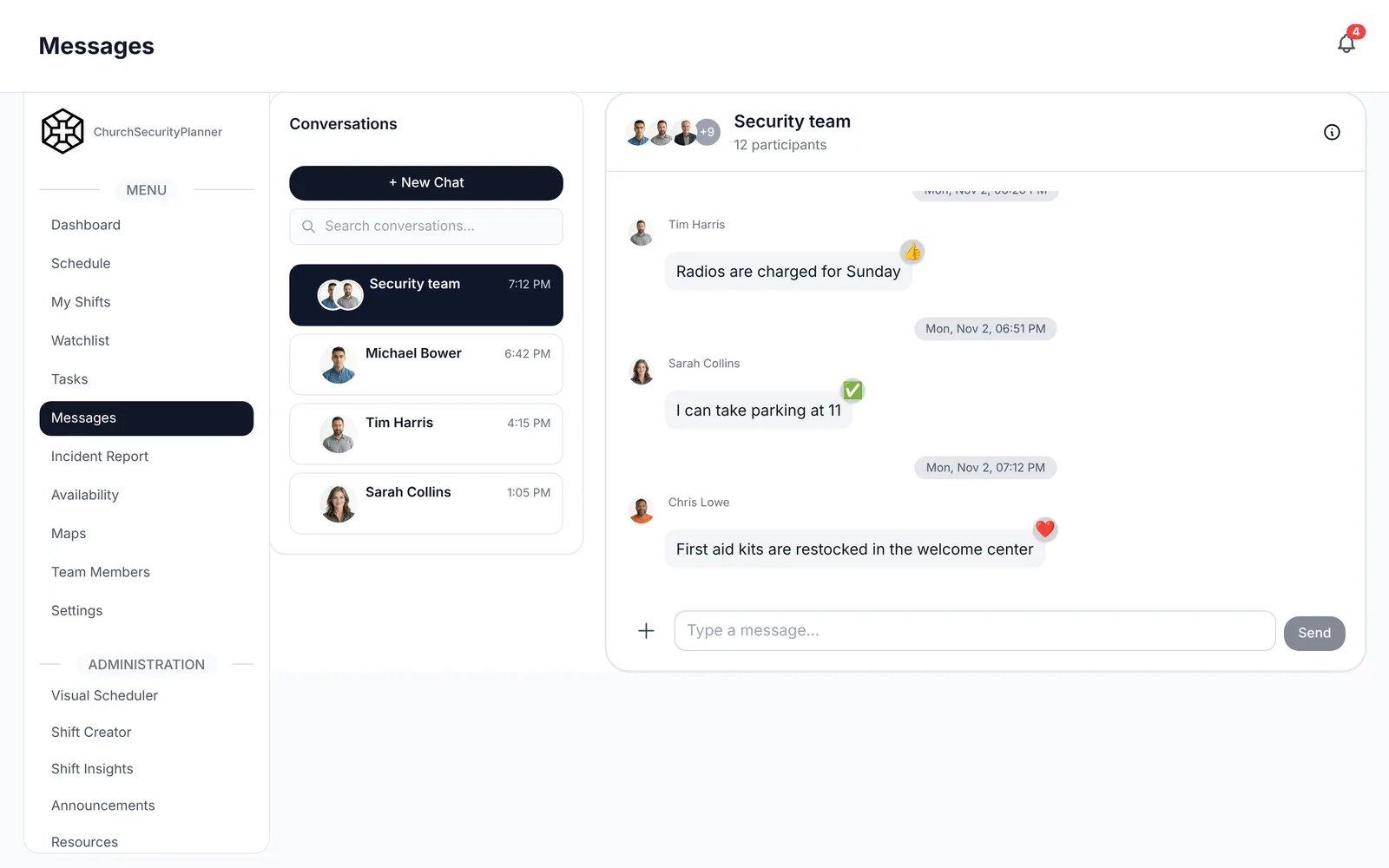
A phone is quiet. In a sanctuary, a message on a screen disturbs nobody, while a radio crackling near the front does.
A phone also leaves a written record, and it reaches people who are not carrying a radio, like the pastor, the children's ministry director or a volunteer working a different service. Texts do the same job, but a text thread gets mixed in with personal messages, and a new volunteer has to be added by hand.
In ChurchSecurityPlanner, team messaging covers direct and group conversations, with push notifications, and announcements reach the whole team on their dashboard and can also go out by email.
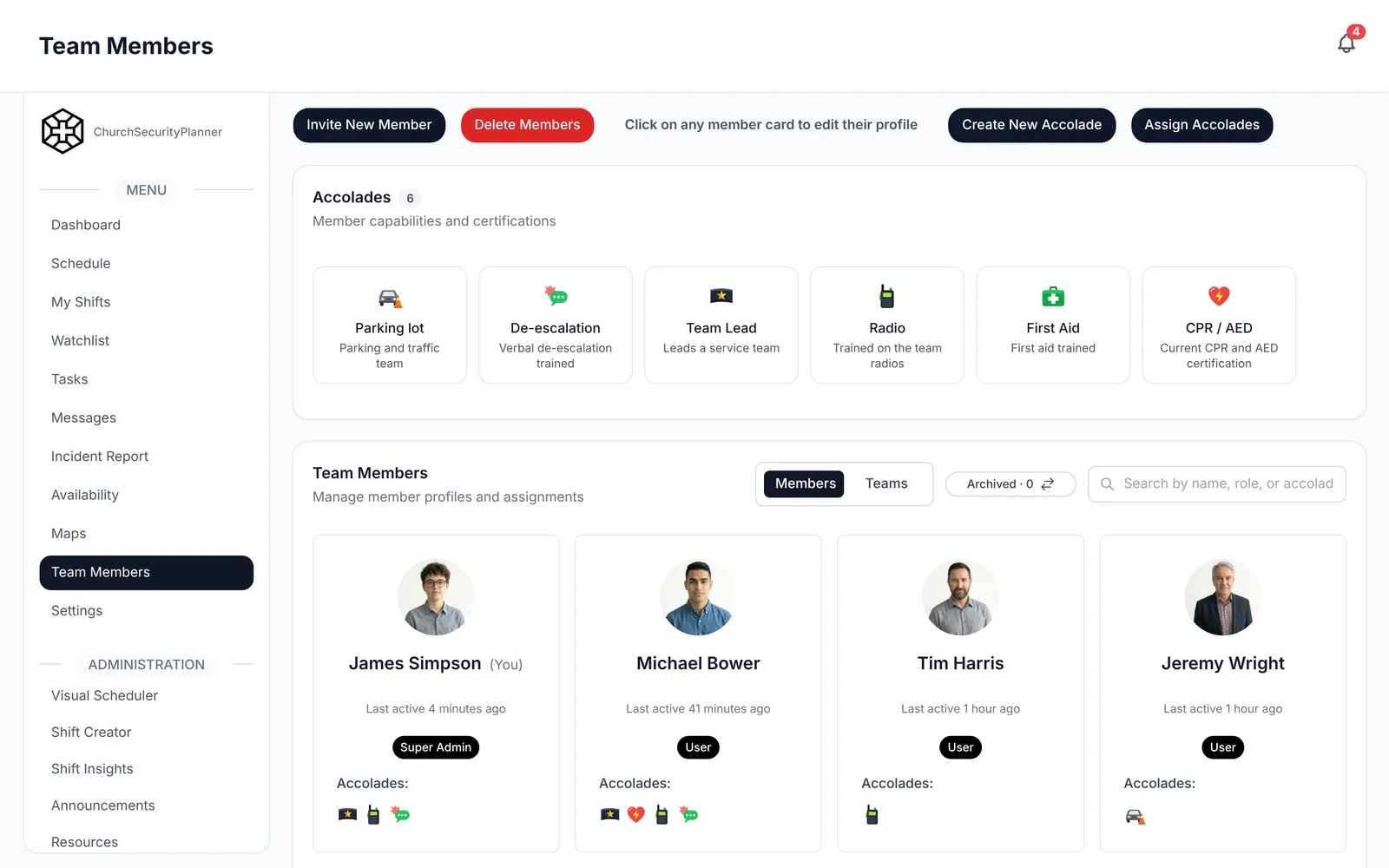
A group is only as good as its member list. Keep the list current, so a volunteer who left in the spring does not still get messages, and a new one is added before their first shift.
Radios for a Church Safety Team
If you search for church security radios, you will find a lot of gear. The gear matters less than the habits. A cheap radio that everyone uses the same way beats an expensive one that half the team leaves in a bag.
- One channel for the team. Put the whole safety team on a single channel. Two channels split the team, and someone always misses a call.
- Write the channel down. Put the channel number on the schedule and on a card in the radio case, so a new volunteer does not have to ask.
- A radio check before the service. Ten minutes before doors open, each person says their name and post and hears a reply. You find the dead battery in the hallway, not during a call.
- Charge them every week. Pick a person and a day. The radios go back on the charger after each service, and the charger lives in the same place every time.
- Keep it short. Say who you are calling, then what you need. Then stop talking, so the channel is free.
Radios work with no signal, and one press reaches everyone on the channel. That is why many teams keep them for the people moving around the building.
Radios or Phones: Use Both for Different Jobs
I do not think a team has to choose. Radios are good for the people on their feet who need an answer now. Phones are good for the quiet, written messages, and for people off the radio.
Whatever you pick, say it in your plan: radios for [roles], phones for [roles]. A clear split means nobody wonders where to look.
None of this replaces calling 911 when someone needs help. Call 911 first, and then tell your team.
Plain Words Over Codes
Many teams use codes and short phrases. Our recommendation is plain words instead.
Say exactly what is needed and where. "Medical help needed in the east hallway" tells a new volunteer everything. A code only works if everyone remembers it, and a new person on their second Sunday will not.
Plain words also work with people outside the team, like an usher, a nursery worker or a visiting paramedic, who never learned your system.
Use room names that everyone shares. If the team says "the fellowship hall" and the church says "the gym," pick one name and put it on the sheet.
The same goes for posts. When the schedule names each volunteer's post, such as "north door" or "lobby," a message like "Please send Dana to the north door" is easy to follow.
Who Speaks for the Team
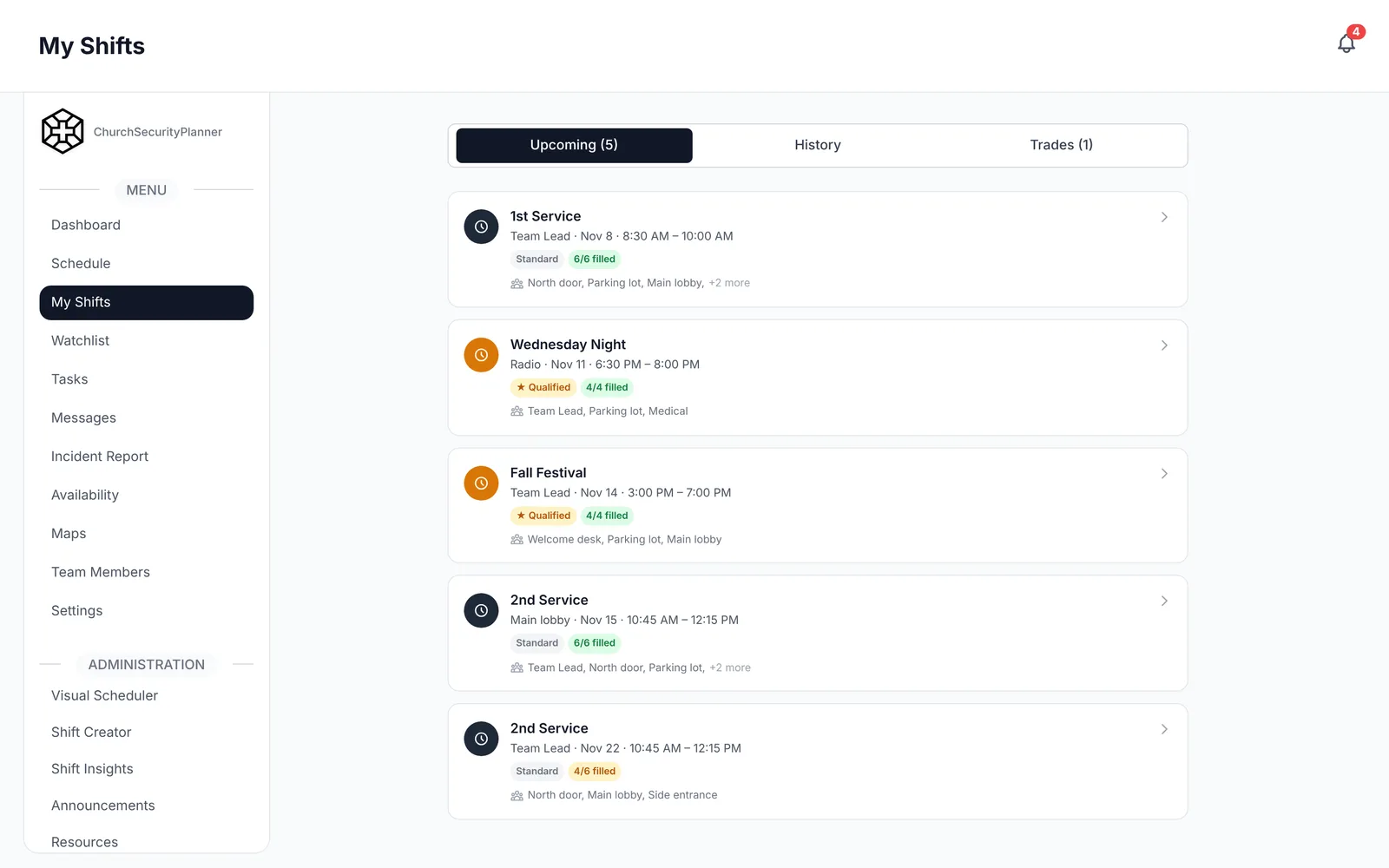
Pick one person to speak for the team, and a backup. On the radio, this is usually the team lead. That person answers calls, passes information on, and talks to the pastor and staff.
Everyone else keeps the channel clear. If three people answer one call, nobody hears the details.
Decide ahead of time who speaks to the congregation, if anyone does, and who handles questions from outside the church. Write the names in your plan.
After the Service
Good communication does not end when the doors close. Take five minutes with the team while the details are fresh.
- What went well, and what was hard to hear or reach?
- Did every radio work? Who has a battery to replace?
- Did anything need an incident report? Who will write it?
- Who needs a follow-up call, like a family or a volunteer?
Write incident reports the same day. Our incident report template shows what to capture.
A Radio-Channel and Plain-Language Message Sheet
Copy this onto a card, tape it inside the radio case, and print one for each post. Each line has [bracketed] fields to fill in.
This is an example to adapt to your church.
Channels and radio check
- Channel [number]: [team].
- Radio check at [time], led by [name].
- Charged by [name] on [day]. Spare batteries at [location].
- Team lead who speaks for the team: [name]. Backup: [name].
Plain-language messages
- "Medical help needed in [room]."
- "Please send [name] to [place]."
- "[Name], please come to [place]."
- "A child needs [parent or guardian] in [room]."
- "Need a door covered at [door]."
- "All clear in [area]."
- "Call 911 now for [reason]."
- "Say again, please. I did not hear [part]."
Room names we all use
- [Room name] means [which room, which end of the building].
- [Door name] means [which door].
Keeping the Sheet Current
Review the sheet when your team, your building or your radios change. Hand a copy to every new volunteer on their first shift, and ask them to say each message out loud once.
For where this fits in your wider planning, see the church security planning guide and your safety team policies.
Trenton J. Reagan is the founder of ChurchSecurityPlanner, a former youth pastor and church security team member. He was trained in church protection protocols by law enforcement and military professionals and has a lifelong background in firearms training and tactical preparedness. ChurchSecurityPlanner was built in response to a direct request from his father, Pastor Clint Reagan of Calvary Chapel Knoxville — a congregation of 5,000 — who needed a comprehensive tool to manage his security teams.