
How to use this checklist
Checklists work because they take the thinking out of a busy morning. When doors open in twenty minutes, nobody wants to remember what to check.
Copy the lists below into your own document and change them to fit your building. Cut what does not apply and add what does. This page is educational: it gives you a starting point, and your own plan comes first.
Keep each list short enough that a volunteer will use it. If your team has not written down who does what, start with the church security team roles guide, or the broader church security plan template.
Before doors open
The team arrives early enough to walk the building and be briefed. Forty-five minutes before the first service is a common starting point.
This is an example to adapt to your church.
- Walk the building inside and out: restrooms, hallways, classrooms, stairwells and the parking lot.
- Look for anything out of place, such as unlocked doors that should be locked, propped doors or items left behind.
- Check that the doors you plan to use as entrances are unlocked and that exits are clear.
- Confirm each post is staffed, and name a backup for any post that is empty.
- Charge radios or check that every volunteer has their phone, with notifications on.
- Locate the medical kit and the AED, and make sure the team knows where they are.
- Check that the path EMS would use is clear, including the door and the parking spot closest to it.
- Confirm children's areas are set up per your church's policy.
- Brief the team: who is where, who is in charge and any changes since last week.
- Share anything on the watchlist that the team needs to know, using the details your policy allows.
- Remind the team of the quiet signal and the channel they will use to talk.
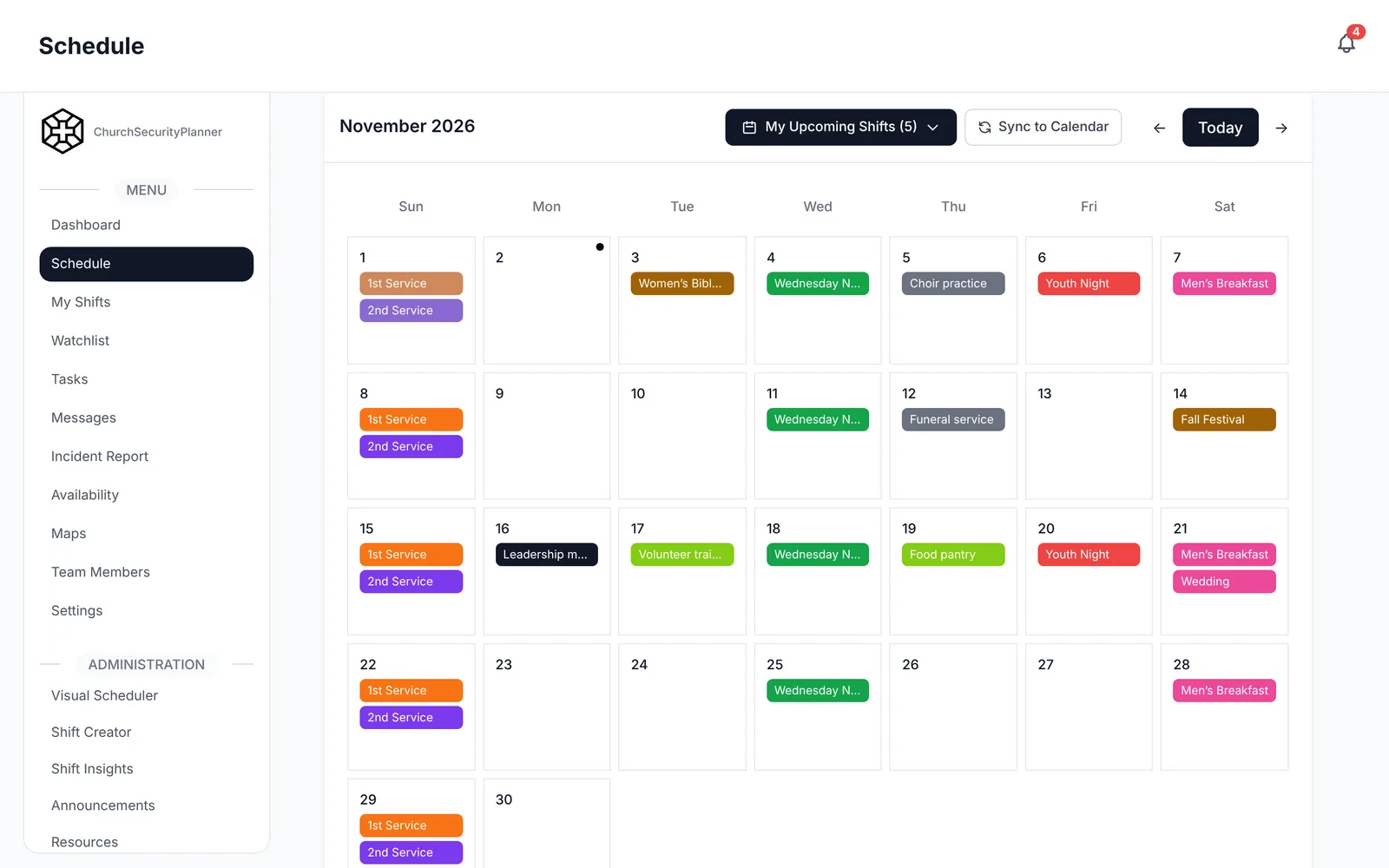
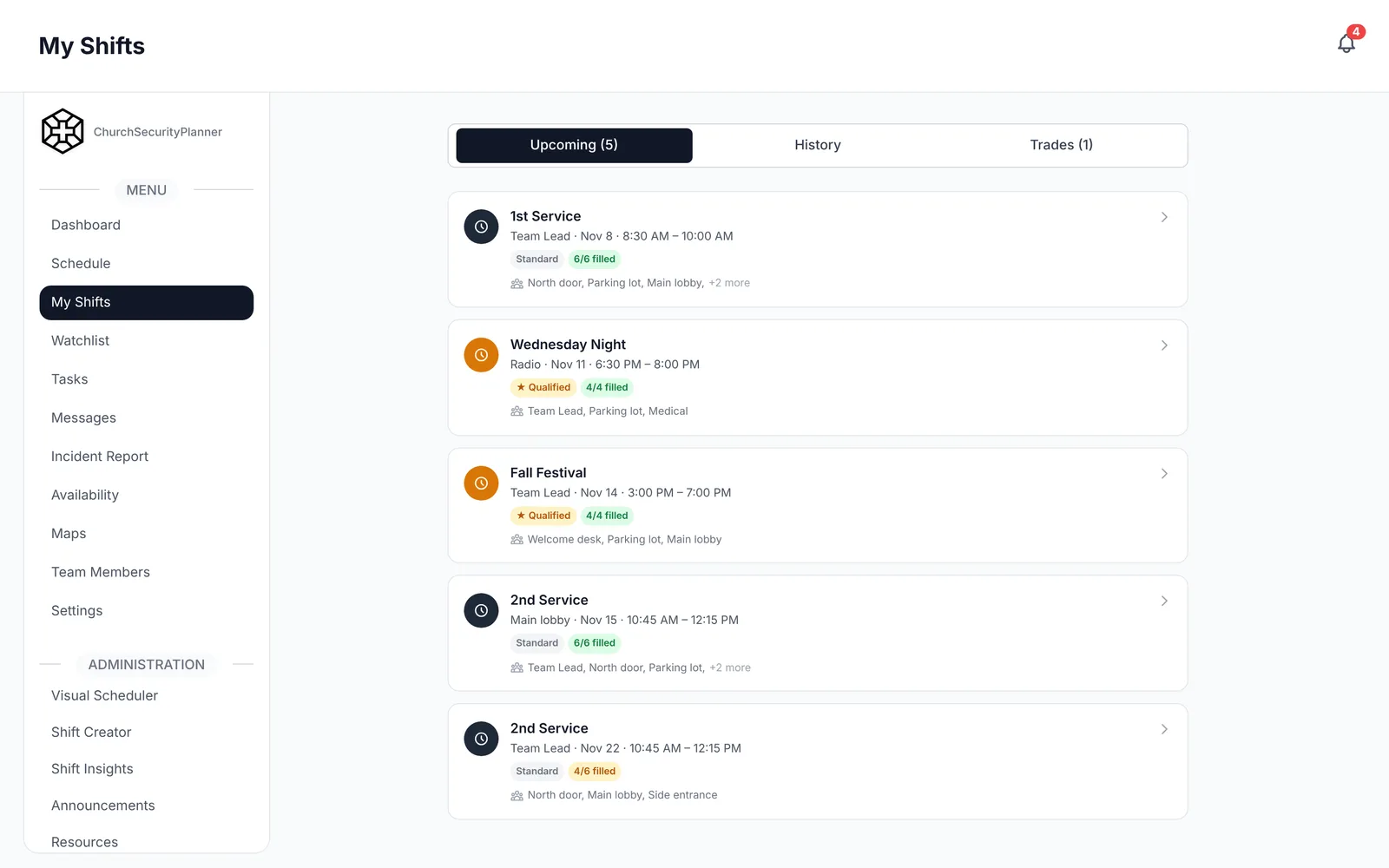
In ChurchSecurityPlanner, each service is a shift with its posts, so a volunteer sees their post before they arrive.
During services
Once services start, the job is mostly watching and being ready. Most of the time nothing happens, and that is the goal.
This is an example to adapt to your church.
- Hold your post, and tell the lead before you leave it so someone covers it.
- Keep a way to signal quietly, such as a message in team chat, so you do not need to shout or leave a door.
- Greet people at entrances. A friendly volunteer often notices what a camera does not.
- Keep children's areas staffed and check-in handled per your church's policy.
- Walk the parking lot at set times, and note anything unusual.
- Keep exits clear and watch for doors that get propped open.
- If someone needs help, call 911 first for any emergency, then tell the lead.
- Write down anything you notice while you remember it, even a small thing.
- Stay available between services, since late arrivals and early drop-offs are common.
After services
It is tempting to leave once the last family walks out. A few minutes of closing work keeps small problems from becoming repeat problems.
This is an example to adapt to your church.
- Check restrooms, classrooms and the nursery for people and for items left behind.
- Lock the building and confirm which doors are secured and by whom.
- Return the medical kit and AED to their spot, and note anything used or low.
- Write up incidents the same day while details are fresh. The incident report template shows what to include.
- Hold a short debrief of five minutes: what went well, what did not, anything to change.
- Write debrief notes and share them with the team lead and pastor if needed.
- Assign every follow-up to a named person with a due date.
- Charge radios and phones for next week.
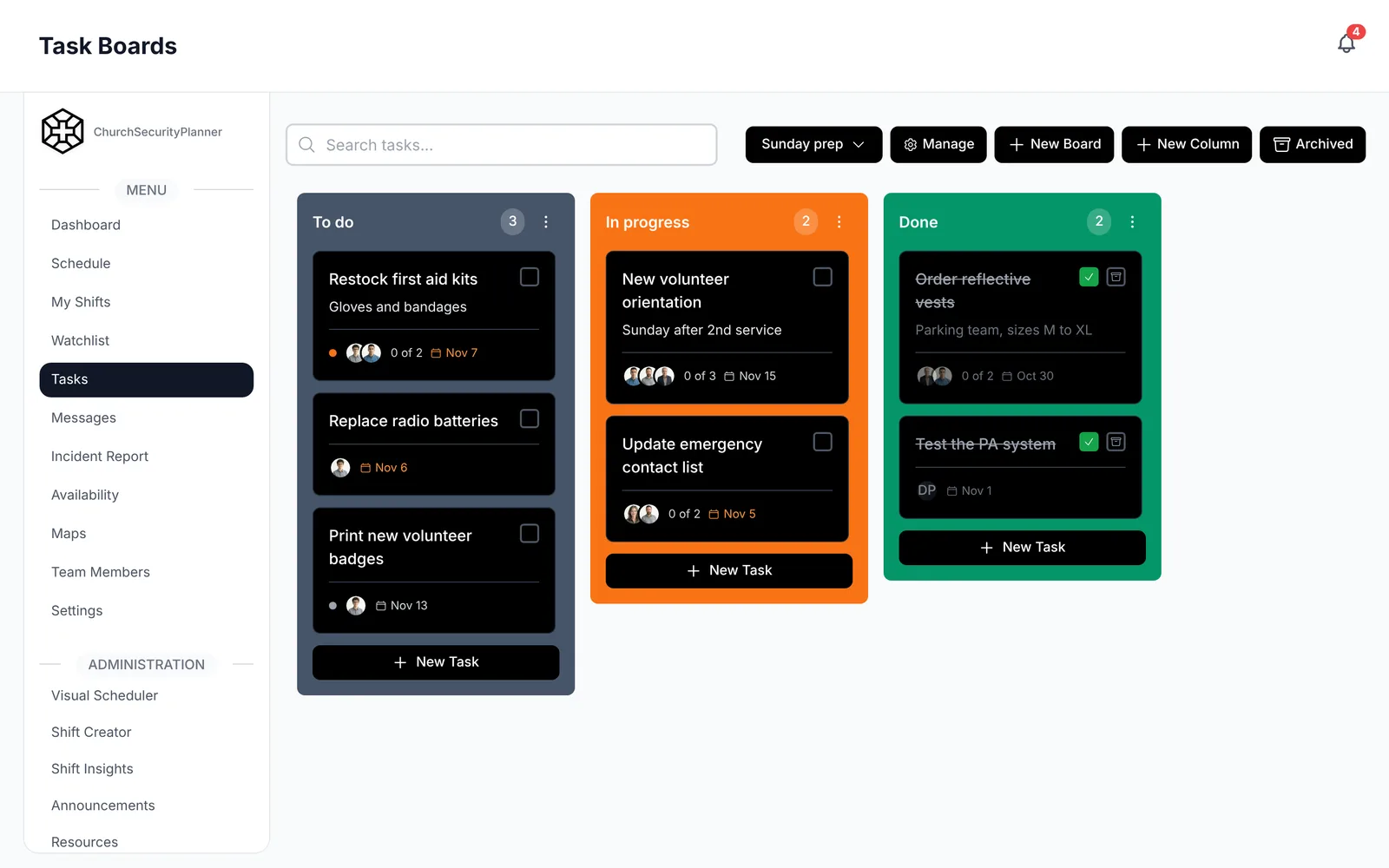
In ChurchSecurityPlanner, a follow-up becomes a task with a named volunteer and a due date.
Monthly checklist
These are the checks that do not fit into a Sunday morning.
This is an example to adapt to your church.
- Test the AED and check the expiry dates on pads and medical supplies.
- Review the schedule for the next month and fill empty posts.
- Check lights, locks and exterior doors, and report repairs to facilities.
- Review open follow-ups from past incidents and close what is done.
- Confirm contact numbers on the team list are current.
- Walk one exit route with a new volunteer.
Yearly checklist
Put these on the calendar once a year so they do not get lost.
This is an example to adapt to your church.
- Run at least one drill, such as an evacuation or a medical response. Afterward, write down what you would change.
- Review the full security plan with the pastor and church leadership.
- Review team policies and procedures, and update what you learned this year.
- Renew trainings, including first aid and AED, and note who is due.
- Review the watchlist and remove names that no longer belong, per your policy.
- Talk to your insurer and to an attorney licensed in your state, then update your plan if needed.
- Thank your volunteers. A safety team that feels appreciated keeps showing up.
Making the checklist stick
A checklist only helps if people use it. Put the list where the team will see it at the start of a shift, and keep it to one page.
Ask the team after a month what to add or cut. They know your building better than any template does.
Trenton J. Reagan is the founder of ChurchSecurityPlanner, a former youth pastor and church security team member. He was trained in church protection protocols by law enforcement and military professionals and has a lifelong background in firearms training and tactical preparedness. ChurchSecurityPlanner was built in response to a direct request from his father, Pastor Clint Reagan of Calvary Chapel Knoxville — a congregation of 5,000 — who needed a comprehensive tool to manage his security teams.