
I get asked about cameras more than almost anything else. A church starts to feel uneasy about a parking lot or a side door, and the first thought is "let's put up a camera."
Cameras can help. They also have limits. This guide walks through where to place them and what to ask a vendor before you buy.
What Church Security Cameras Do Well
A camera gives you a record. When something happens at a door or in the lot, you can look back at what actually took place instead of piecing together three memories.
Last, cameras watch places you cannot staff. Your team may not have a volunteer at the back door during the Wednesday night program. A camera there will not stand guard, but it gives you something to review.
What Cameras Cannot Do
A camera cannot respond. It cannot walk over to a person who looks lost, help someone who has fallen or call 911. People do that.
So think of cameras as one tool alongside your scheduled safety team. A system nobody reviews is of little use.
If you are still deciding what your team needs first, start with the church security planning guide. For a quick walk of your building, use the church security checklist.
Camera Placement Checklist by Area
Walk your property with your safety team lead and mark each spot below. You may not need a camera in every area, but each is worth a decision.
This is an example to adapt to your church.
Never place a camera in, or aimed into, a restroom or changing area.
- Main entrances and other doors: a view of everyone who comes in and goes out, including side and back doors that stay unlocked during services.
- Parking lots and drop-off: the entrances to the lot, the rows nearest the building and the curb where families drop off children.
- Hallways and stairwells: the routes between the entrances, classrooms and restrooms.
- The children's wing: per church policy.
- The sanctuary: a wide view of the room, such as the doors and the platform, not faces in the pews.
- Offices and where offering is counted: the door and the counting table, so the people doing that work have a clear record too.
- The outside of the building: corners, doors, equipment areas and any place that stays dark at night.
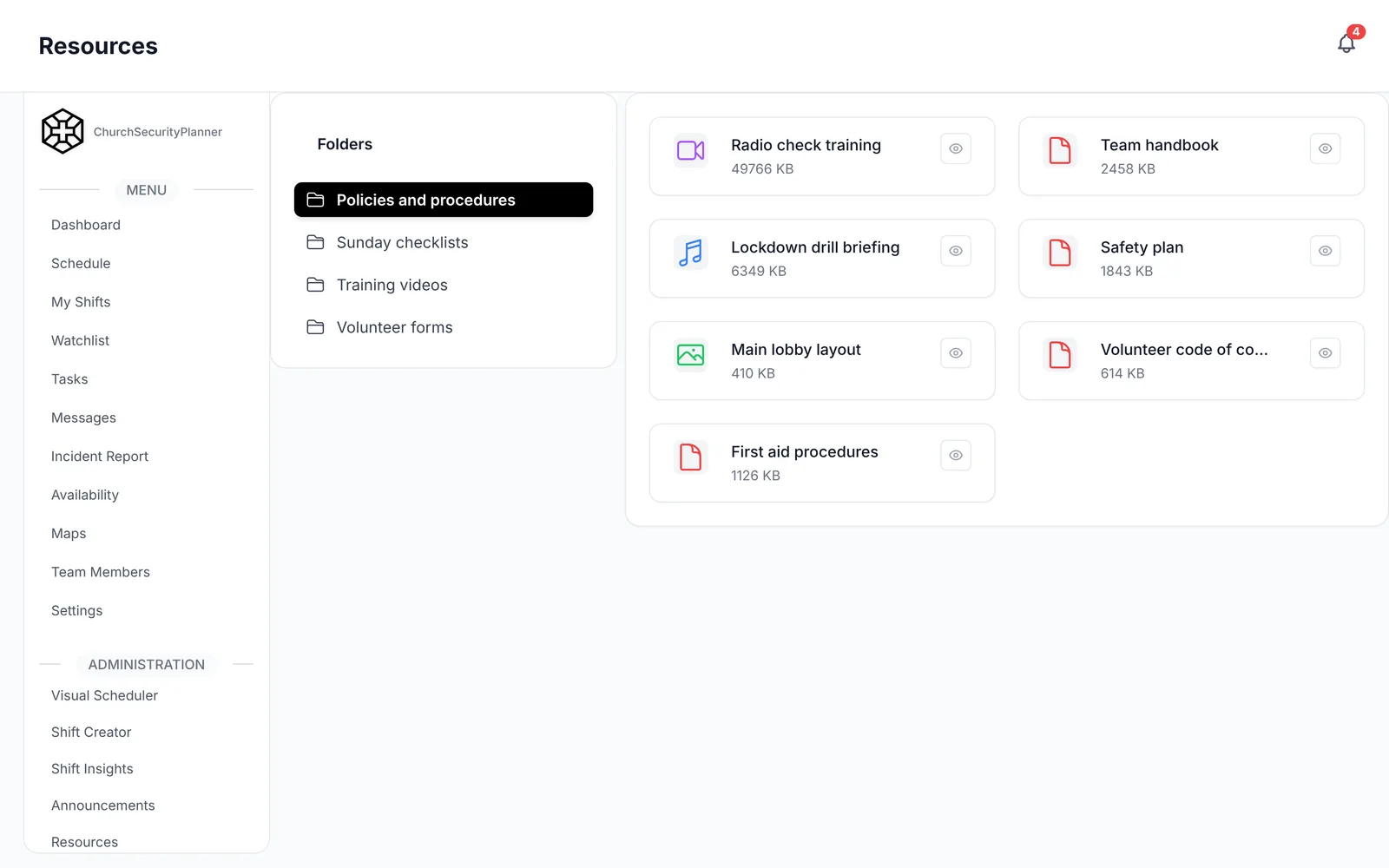
In ChurchSecurityPlanner, the resource library holds your placement checklist, so the team lead can open it on a phone during the walk.
Questions to Ask a Camera Vendor
Bring this list to every vendor you talk to, and compare the answers in writing.
This is an example to adapt to your church.
- Resolution at night: can I see sample footage from a dark parking lot, not just a bright demo room?
- Storage and retention: where is footage stored, how many days does it hold, and what does more storage cost?
- Remote viewing access: who can log in from a phone, how are those accounts added and removed, and can I see who looked?
- Who maintains it: who fixes a failed camera, how fast, and who updates the software?
- Power and network: what does each camera need to run, and what happens to the footage when the internet or power goes out?
- Total cost: cameras, installation, storage and any yearly fees.
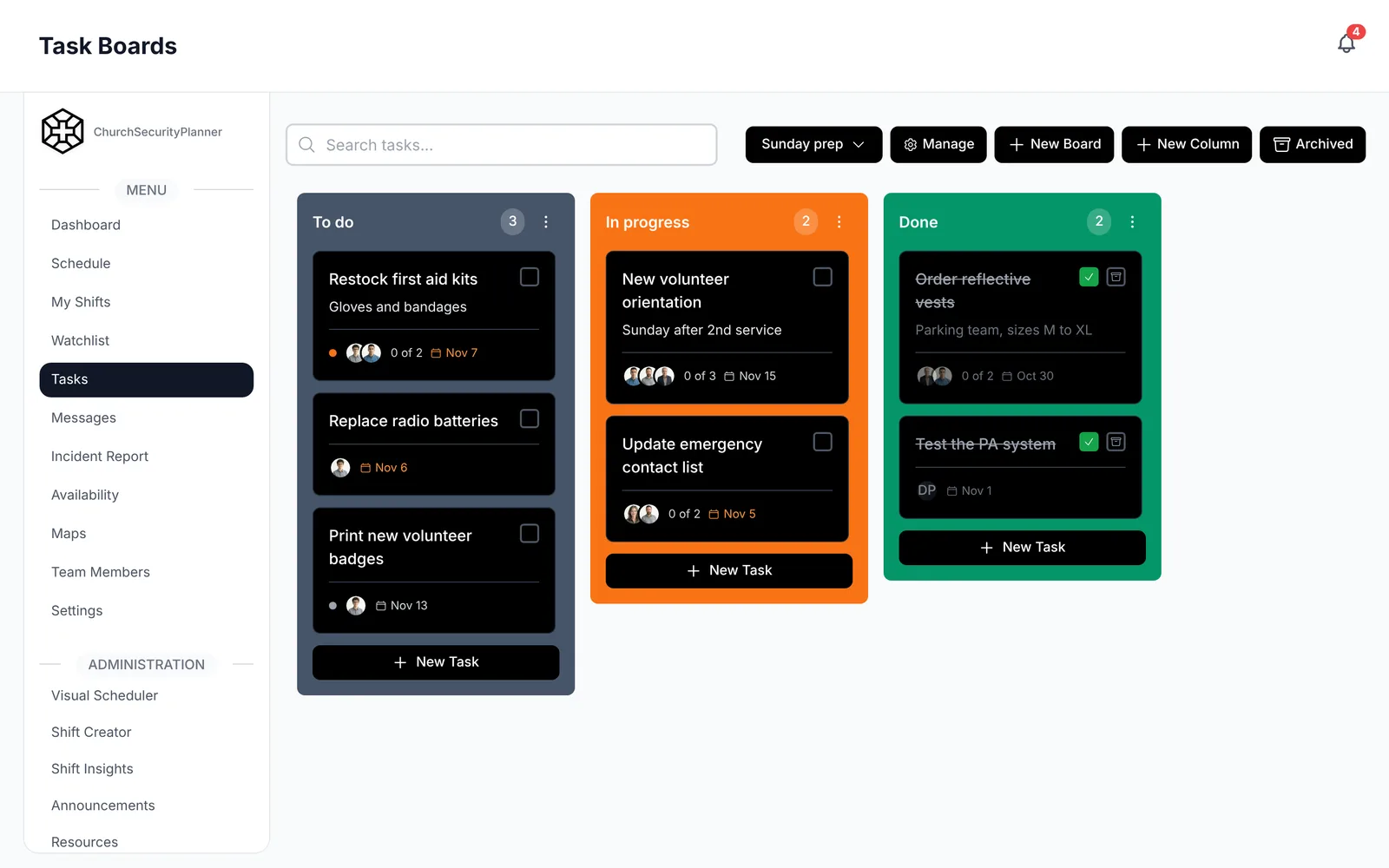
In ChurchSecurityPlanner, comparing the vendors can be a task assigned to a volunteer, with the follow-up kept on a task board.
Cameras Work Best With a Team Behind Them
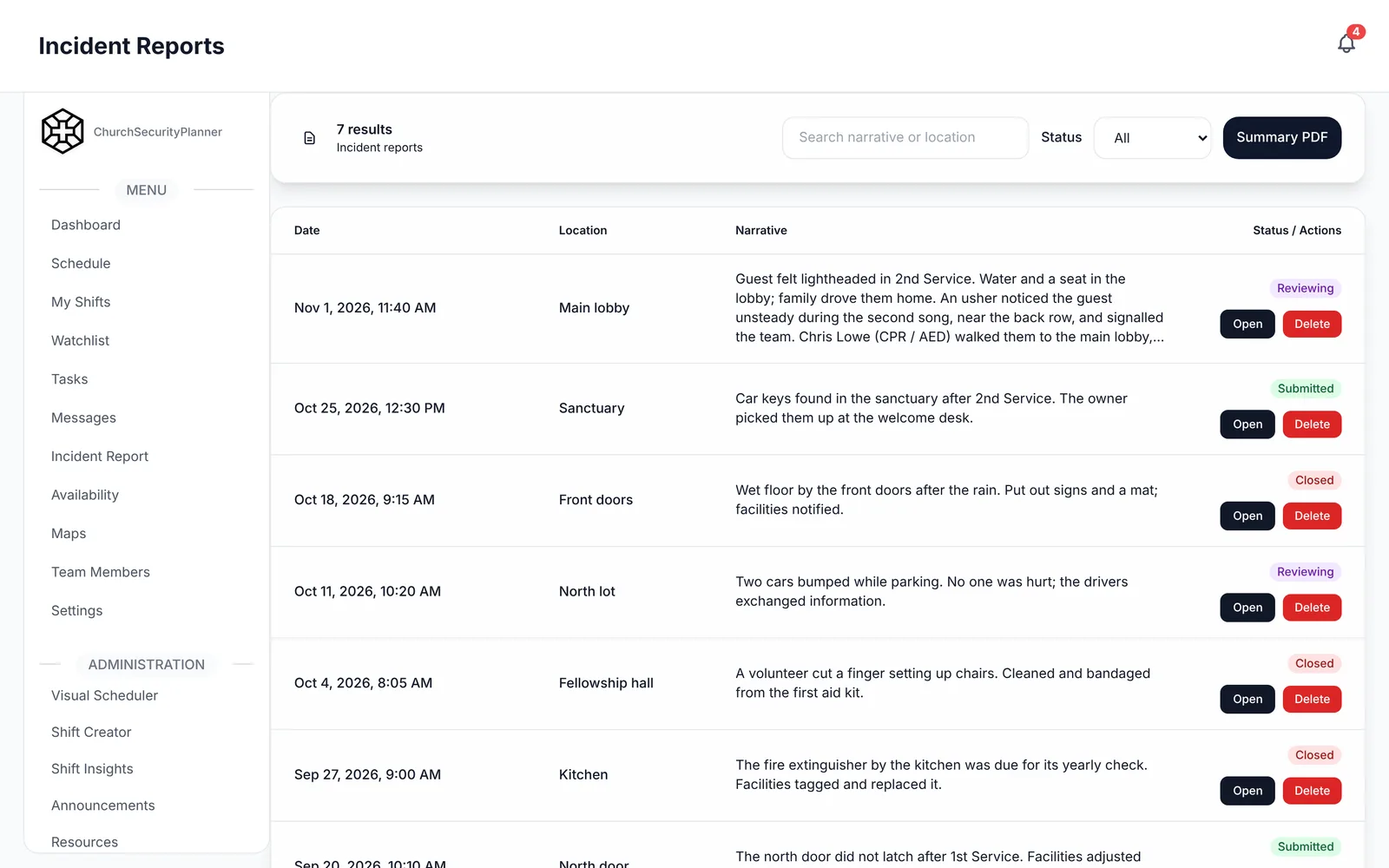
Footage is most useful when someone writes down what happened. Use a short incident report for anything a camera captures, and attach the still or file to it.
Then look at your schedule. A camera at the side door is no substitute for a trained volunteer who is on the security team schedule.
Trenton J. Reagan is the founder of ChurchSecurityPlanner, a former youth pastor and church security team member. He was trained in church protection protocols by law enforcement and military professionals and has a lifelong background in firearms training and tactical preparedness. ChurchSecurityPlanner was built in response to a direct request from his father, Pastor Clint Reagan of Calvary Chapel Knoxville — a congregation of 5,000 — who needed a comprehensive tool to manage his security teams.